> ## Documentation Index
> Fetch the complete documentation index at: https://docs.envoi.no/llms.txt
> Use this file to discover all available pages before exploring further.
# Dashboard
> The first thing you see when you sign in: money in and out, what needs you, and the latest invoices.
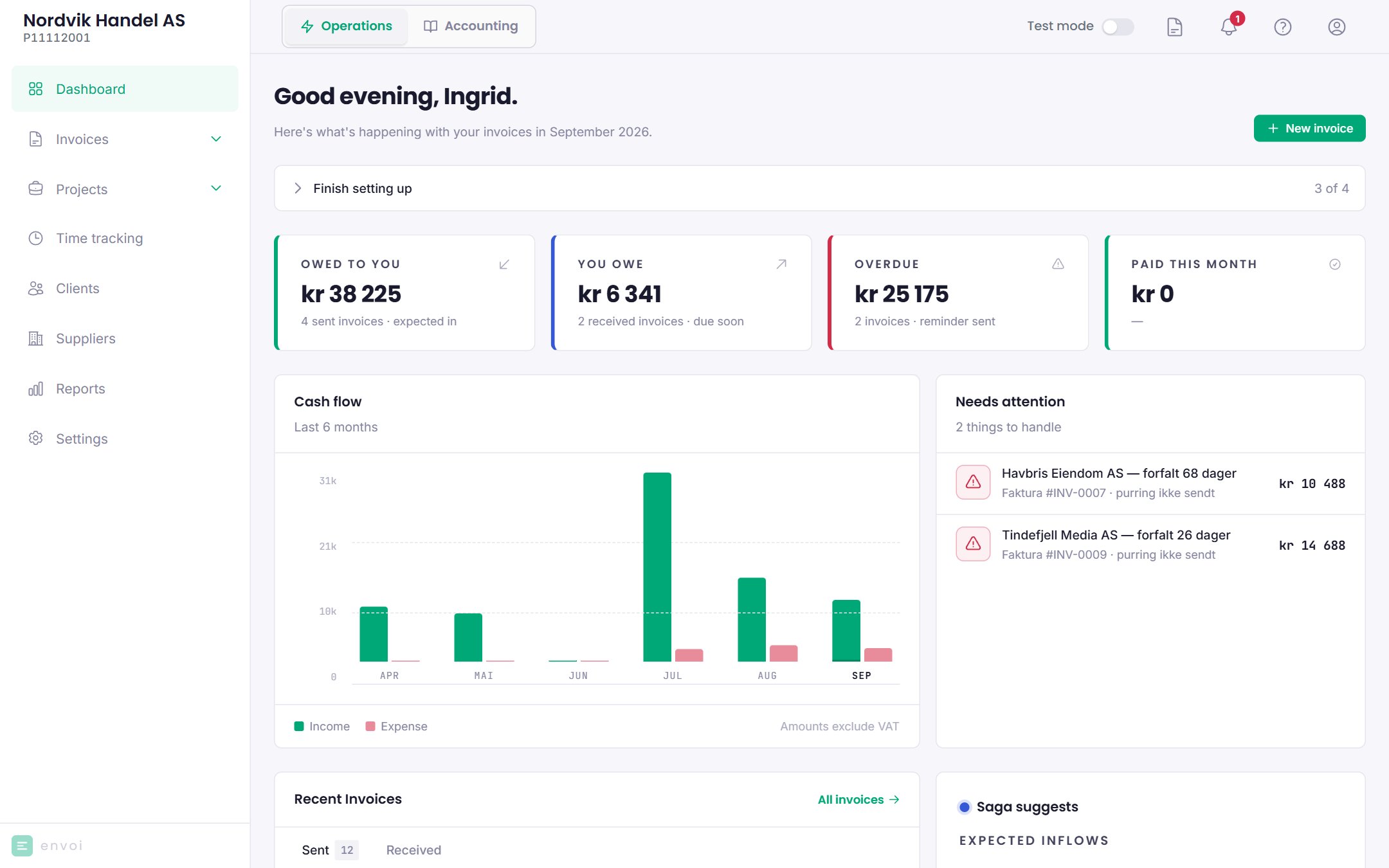
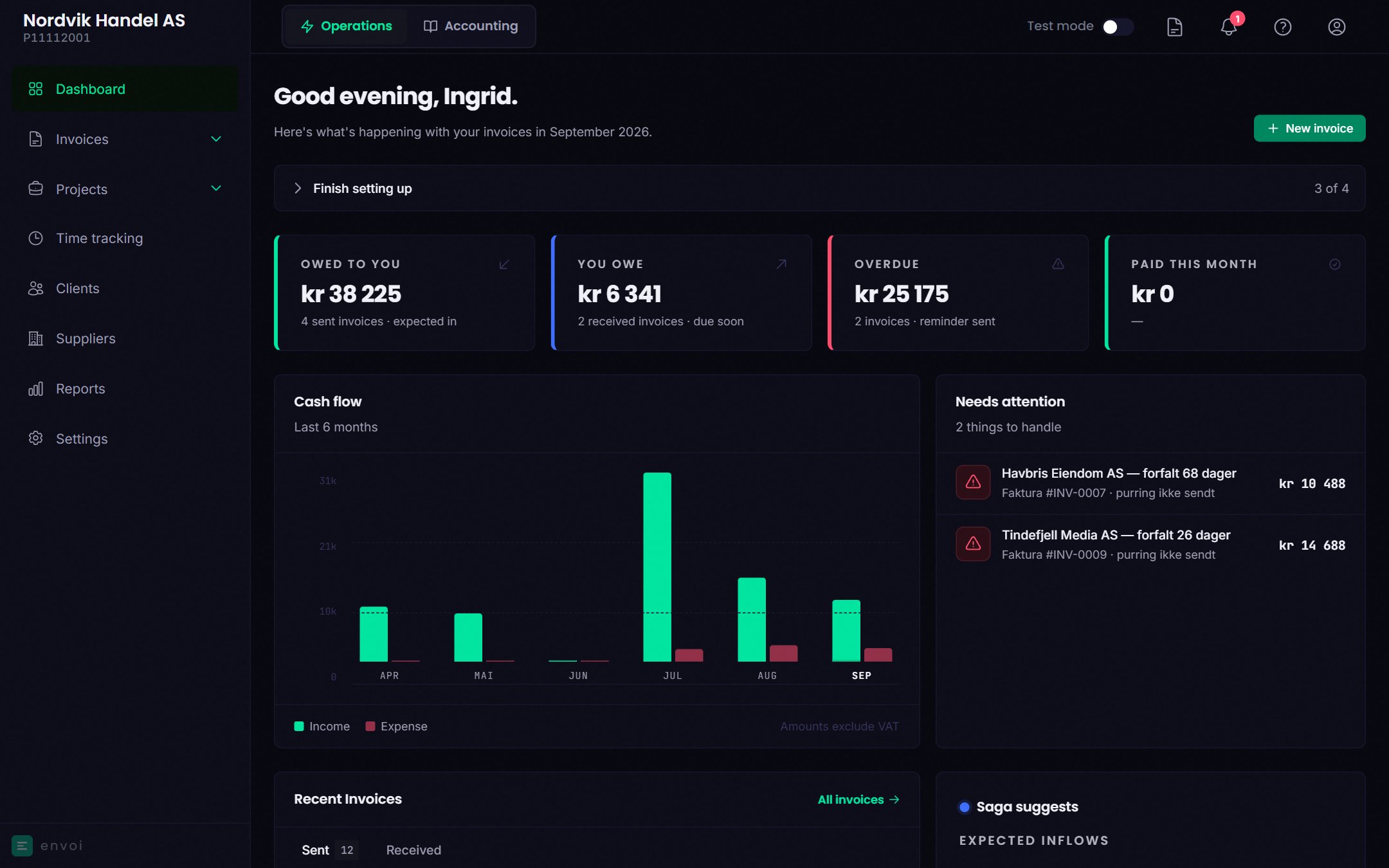
The dashboard shows how your invoices are doing this month. In the top right you find **New invoice**.
 ## Alerts at the top
A red or yellow alert can appear at the top when something is urgent:
* **… ready for collection**: the deadline in a collection warning has passed and the invoice is not paid. See [Reminders and collection warnings](/en/sales/reminders-and-collection).
* **Expected shortfall in the next 14 days**: what you have to pay in the next 14 days is more than what you expect to receive. Shown to owners and admins.
You can close an alert. It comes back the next day if it still applies.
If automatic reminders are turned on, you also see which invoices get a reminder next, so you can mark them as paid first if the customer has already paid.
If the account setup is not finished, you see **Finish setting up**, with what is left.
## Key figures
| Figure | What it shows |
| - | - |
| Owed to you | What customers owe you on sent invoices. Partial payments are deducted. |
| You owe | What you owe on unpaid received invoices in Norwegian kroner |
| Overdue | Invoices with the status **Overdue**, with the amount outstanding |
| Paid this month | Invoices dated this month that are paid in full, with the change from last month |
## Cash flow
A bar chart with income and expenses for the last six months, excluding VAT. Income is sent invoices minus credit notes. Expenses are received invoices you have confirmed.
## Needs attention
A list of things to follow up, for example overdue invoices and quotes that expire soon. Click an item to open it. If there is nothing, it says **Everything is on track.**
## Recent invoices
The latest invoices, with the tabs **Sent** and **Received**. **All invoices** takes you to the invoice list.
## Saga suggests
On computers and tablets you see **Saga suggests**, with expected payments in the next 7, 14 and 30 days, and a short comment from Saga. See [Saga](/en/saga).
## Alerts at the top
A red or yellow alert can appear at the top when something is urgent:
* **… ready for collection**: the deadline in a collection warning has passed and the invoice is not paid. See [Reminders and collection warnings](/en/sales/reminders-and-collection).
* **Expected shortfall in the next 14 days**: what you have to pay in the next 14 days is more than what you expect to receive. Shown to owners and admins.
You can close an alert. It comes back the next day if it still applies.
If automatic reminders are turned on, you also see which invoices get a reminder next, so you can mark them as paid first if the customer has already paid.
If the account setup is not finished, you see **Finish setting up**, with what is left.
## Key figures
| Figure | What it shows |
| - | - |
| Owed to you | What customers owe you on sent invoices. Partial payments are deducted. |
| You owe | What you owe on unpaid received invoices in Norwegian kroner |
| Overdue | Invoices with the status **Overdue**, with the amount outstanding |
| Paid this month | Invoices dated this month that are paid in full, with the change from last month |
## Cash flow
A bar chart with income and expenses for the last six months, excluding VAT. Income is sent invoices minus credit notes. Expenses are received invoices you have confirmed.
## Needs attention
A list of things to follow up, for example overdue invoices and quotes that expire soon. Click an item to open it. If there is nothing, it says **Everything is on track.**
## Recent invoices
The latest invoices, with the tabs **Sent** and **Received**. **All invoices** takes you to the invoice list.
## Saga suggests
On computers and tablets you see **Saga suggests**, with expected payments in the next 7, 14 and 30 days, and a short comment from Saga. See [Saga](/en/saga).