> ## Documentation Index
> Fetch the complete documentation index at: https://docs.envoi.no/llms.txt
> Use this file to discover all available pages before exploring further.
# Time tracking
> Log hours, get them approved, and invoice them.
You log hours under **Time tracking**. Everyone in the team can log their own hours.
 ## Log hours
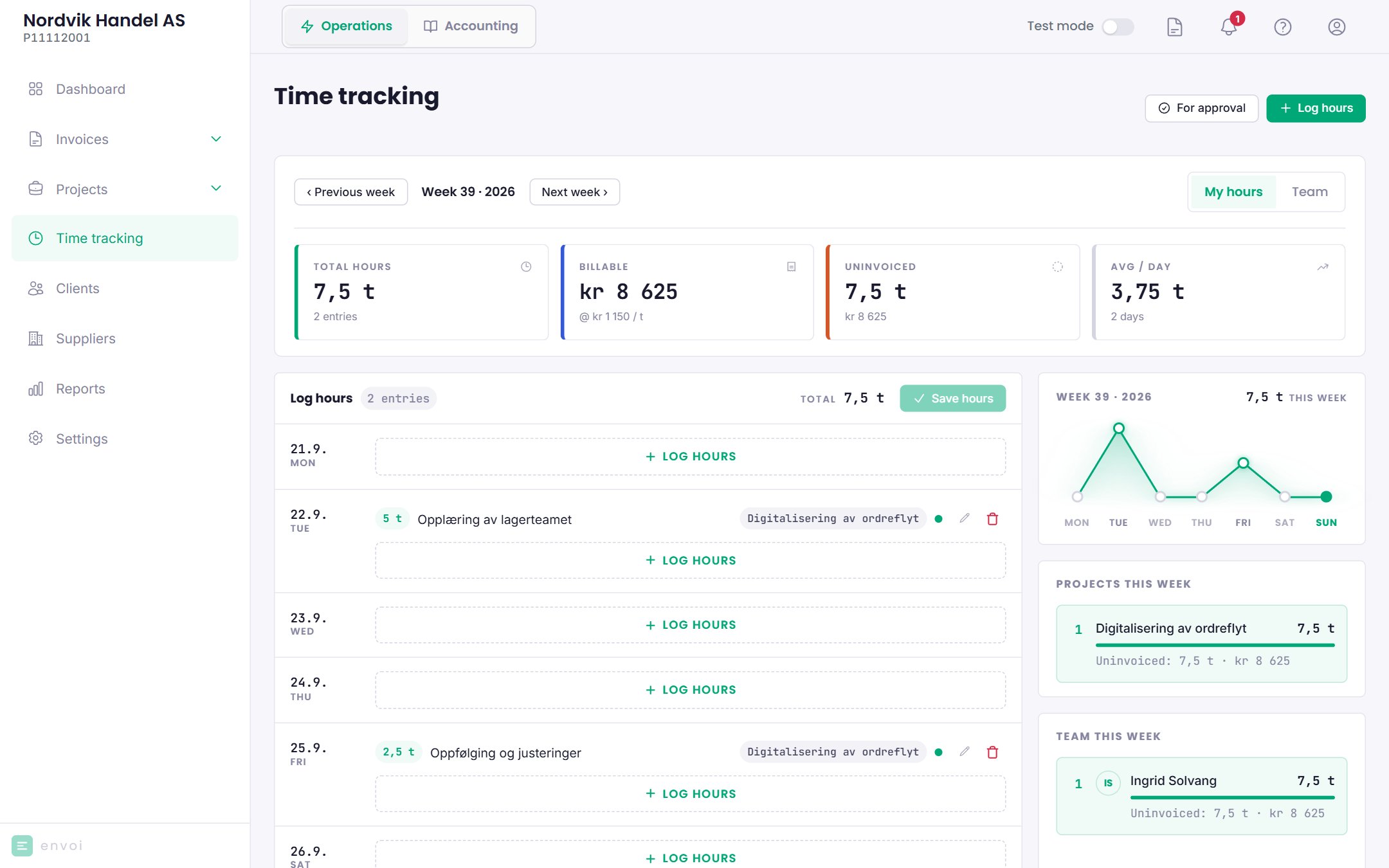
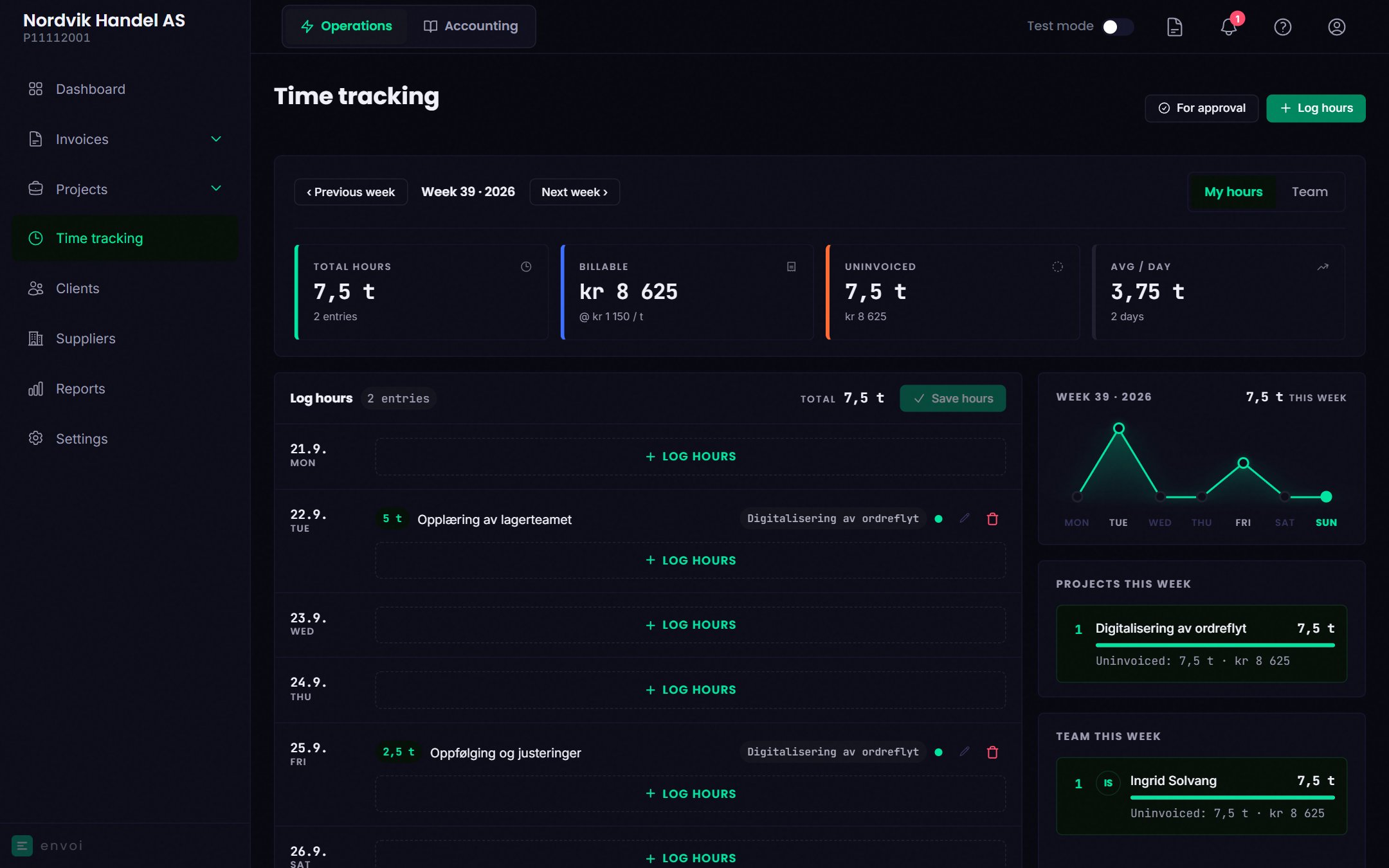
On a computer, you enter the hours straight into the week view and choose **Save hours**. On mobile, you choose **Log hours** and fill in:
* **Hours**: up to 24 per entry.
* **Project**: optional. Projects that are completed or cancelled are not shown.
* **Role**: if the project has roles with their own hourly rates.
* **Date**
* **What did you work on?**: may be required, depending on the settings.
* **Billable**: whether the hours are to be invoiced to the customer.
On fixed price projects, **Billable** is off by default. The hours then count as a cost, not as something you invoice on top. Turn it on if it is extra work you have agreed on.
Owners and administrators can also log hours for others in the team (**Log for**, on mobile) and override the hourly rate.
## Hourly rate
Envoi finds the hourly rate in this order, and uses the first one that is set:
1. Overridden rate on the entry
2. The role on the project
3. The project's hourly rate
4. The hourly rate of the person logging
5. The company's default hourly rate
The rate is stored on the entry. If you change an hourly rate later, it applies to new hours.
## Approval
Only approved hours can be invoiced. Under **Settings**, **Time tracking** you choose how often hours are to be approved:
| Option | Meaning |
| - | - |
| Weekly | Reminder every Monday |
| Monthly | Reminder on the 1st of each month |
| Off | Hours are approved automatically |
Hours that owners and administrators log are approved automatically.
Owners and administrators approve under **For approval**. The list is shown page by page, and **Approve all** applies to the hours on the page you see. Choose **Approve**, or **Reject** with a reason. The person who logged the hours sees the reason and can correct the entry, which then goes back for approval.
## Edit and delete
* You can edit and delete your own hours until they are approved.
* Owners and administrators can edit all hours that have not been invoiced.
* Invoiced hours cannot be edited, and neither can hours that are on an invoice draft from the project.
* If you change the number of hours, the date, the project or the rate on an approved entry, it must be approved again. If you only change the description, it keeps its approval.
## Time tracking settings
Under **Settings**, **Time tracking**, owners and administrators can also choose:
* Whether hours can be logged on future dates
* Whether a description is required
* Whether new hours are billable by default
* How many days back in time hours can be logged
* The default hourly rate, and the hourly rate per person in the team
## Invoicing hours
Hours on a project are invoiced from the project. See [Projects](/en/prosjekter/prosjekter).
## Log hours
On a computer, you enter the hours straight into the week view and choose **Save hours**. On mobile, you choose **Log hours** and fill in:
* **Hours**: up to 24 per entry.
* **Project**: optional. Projects that are completed or cancelled are not shown.
* **Role**: if the project has roles with their own hourly rates.
* **Date**
* **What did you work on?**: may be required, depending on the settings.
* **Billable**: whether the hours are to be invoiced to the customer.
On fixed price projects, **Billable** is off by default. The hours then count as a cost, not as something you invoice on top. Turn it on if it is extra work you have agreed on.
Owners and administrators can also log hours for others in the team (**Log for**, on mobile) and override the hourly rate.
## Hourly rate
Envoi finds the hourly rate in this order, and uses the first one that is set:
1. Overridden rate on the entry
2. The role on the project
3. The project's hourly rate
4. The hourly rate of the person logging
5. The company's default hourly rate
The rate is stored on the entry. If you change an hourly rate later, it applies to new hours.
## Approval
Only approved hours can be invoiced. Under **Settings**, **Time tracking** you choose how often hours are to be approved:
| Option | Meaning |
| - | - |
| Weekly | Reminder every Monday |
| Monthly | Reminder on the 1st of each month |
| Off | Hours are approved automatically |
Hours that owners and administrators log are approved automatically.
Owners and administrators approve under **For approval**. The list is shown page by page, and **Approve all** applies to the hours on the page you see. Choose **Approve**, or **Reject** with a reason. The person who logged the hours sees the reason and can correct the entry, which then goes back for approval.
## Edit and delete
* You can edit and delete your own hours until they are approved.
* Owners and administrators can edit all hours that have not been invoiced.
* Invoiced hours cannot be edited, and neither can hours that are on an invoice draft from the project.
* If you change the number of hours, the date, the project or the rate on an approved entry, it must be approved again. If you only change the description, it keeps its approval.
## Time tracking settings
Under **Settings**, **Time tracking**, owners and administrators can also choose:
* Whether hours can be logged on future dates
* Whether a description is required
* Whether new hours are billable by default
* How many days back in time hours can be logged
* The default hourly rate, and the hourly rate per person in the team
## Invoicing hours
Hours on a project are invoiced from the project. See [Projects](/en/prosjekter/prosjekter).