> ## Documentation Index
> Fetch the complete documentation index at: https://docs.envoi.no/llms.txt
> Use this file to discover all available pages before exploring further.
# Accounting in Envoi
> How accounting in Envoi connects to your invoices, and what you do yourself.
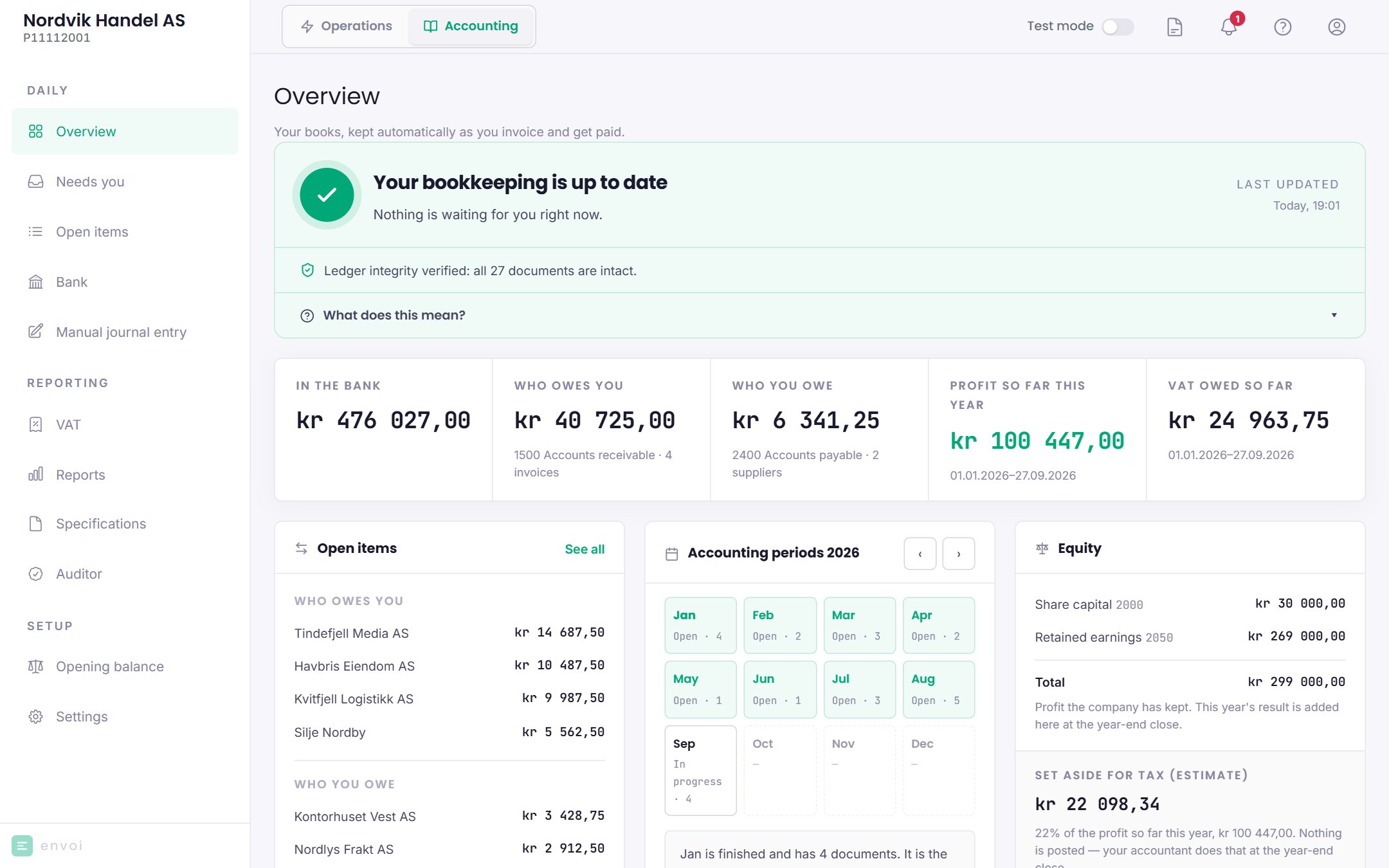
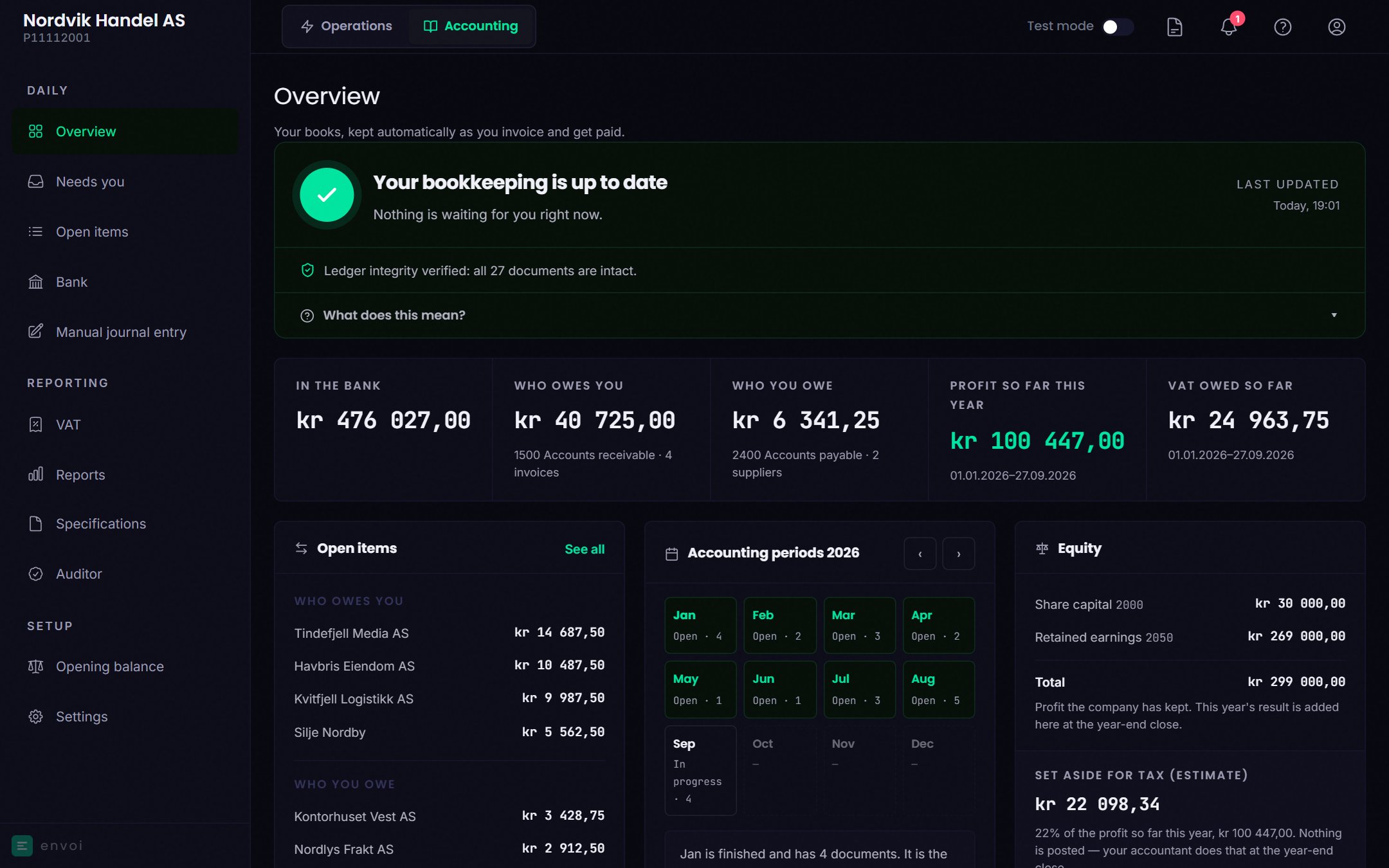
Envoi has two parts, and you switch between them at the top of the screen:
* **Operations** is where you work day to day: invoices, customers, supplier invoices, projects and hours.
* **Accounting** is the books. What you do in Operations is posted here automatically.
You do not need to know debit and credit to use accounting. Most entries create themselves.
 ## What Envoi does for you
* Posts invoices, credit notes, recurring invoices, dunning fees and interest.
* Posts supplier invoices when you confirm them, and payments when you record them.
* Keeps track of who owes you and who you owe.
* Shows VAT, profit and loss, and the balance sheet as you go.
* Creates the VAT return as a file you upload at Skatteetaten.
* Creates the SAF-T file your auditor and the Norwegian Tax Administration (Skatteetaten) ask for.
* Checks that nothing has been changed after it was posted.
## What you do yourself
* Activate accounting, and post the [opening balance](/en/regnskap/inngaaende-balanse) at the same time. See [Turn on accounting](/en/kom-i-gang/slaa-paa-regnskap).
* Upload the bank statement and check that the bank agrees, under [Bank](/en/regnskap/bank).
* Deal with what ends up under [Needs you](/en/regnskap/automatisk-bokforing#needs-you).
* File the VAT return at Skatteetaten and pay. Envoi creates the file, but does not send it. See [VAT](/en/regnskap/mva).
* Close periods when a month is finished. See [Closing periods](/en/regnskap/perioder).
The year-end closing is not done in Envoi today.
## Who has access
Owners and administrators can use Accounting. Only the owner can activate accounting and post the opening balance.
## The Accounting menu
| Group | Pages |
| - | - |
| Daily | Overview, Needs you, Open items, Bank, Manual journal entry |
| Reporting | VAT, Reports, Specifications, Auditor |
| Setup | Settings |
## What Envoi does for you
* Posts invoices, credit notes, recurring invoices, dunning fees and interest.
* Posts supplier invoices when you confirm them, and payments when you record them.
* Keeps track of who owes you and who you owe.
* Shows VAT, profit and loss, and the balance sheet as you go.
* Creates the VAT return as a file you upload at Skatteetaten.
* Creates the SAF-T file your auditor and the Norwegian Tax Administration (Skatteetaten) ask for.
* Checks that nothing has been changed after it was posted.
## What you do yourself
* Activate accounting, and post the [opening balance](/en/regnskap/inngaaende-balanse) at the same time. See [Turn on accounting](/en/kom-i-gang/slaa-paa-regnskap).
* Upload the bank statement and check that the bank agrees, under [Bank](/en/regnskap/bank).
* Deal with what ends up under [Needs you](/en/regnskap/automatisk-bokforing#needs-you).
* File the VAT return at Skatteetaten and pay. Envoi creates the file, but does not send it. See [VAT](/en/regnskap/mva).
* Close periods when a month is finished. See [Closing periods](/en/regnskap/perioder).
The year-end closing is not done in Envoi today.
## Who has access
Owners and administrators can use Accounting. Only the owner can activate accounting and post the opening balance.
## The Accounting menu
| Group | Pages |
| - | - |
| Daily | Overview, Needs you, Open items, Bank, Manual journal entry |
| Reporting | VAT, Reports, Specifications, Auditor |
| Setup | Settings |