> ## Documentation Index
> Fetch the complete documentation index at: https://docs.envoi.no/llms.txt
> Use this file to discover all available pages before exploring further.
# Recording payments
> Record that the customer has paid, in full or in part.
When the customer has paid, you record the payment on the invoice. The invoice is then marked as paid, and the books are updated.
## How to do it
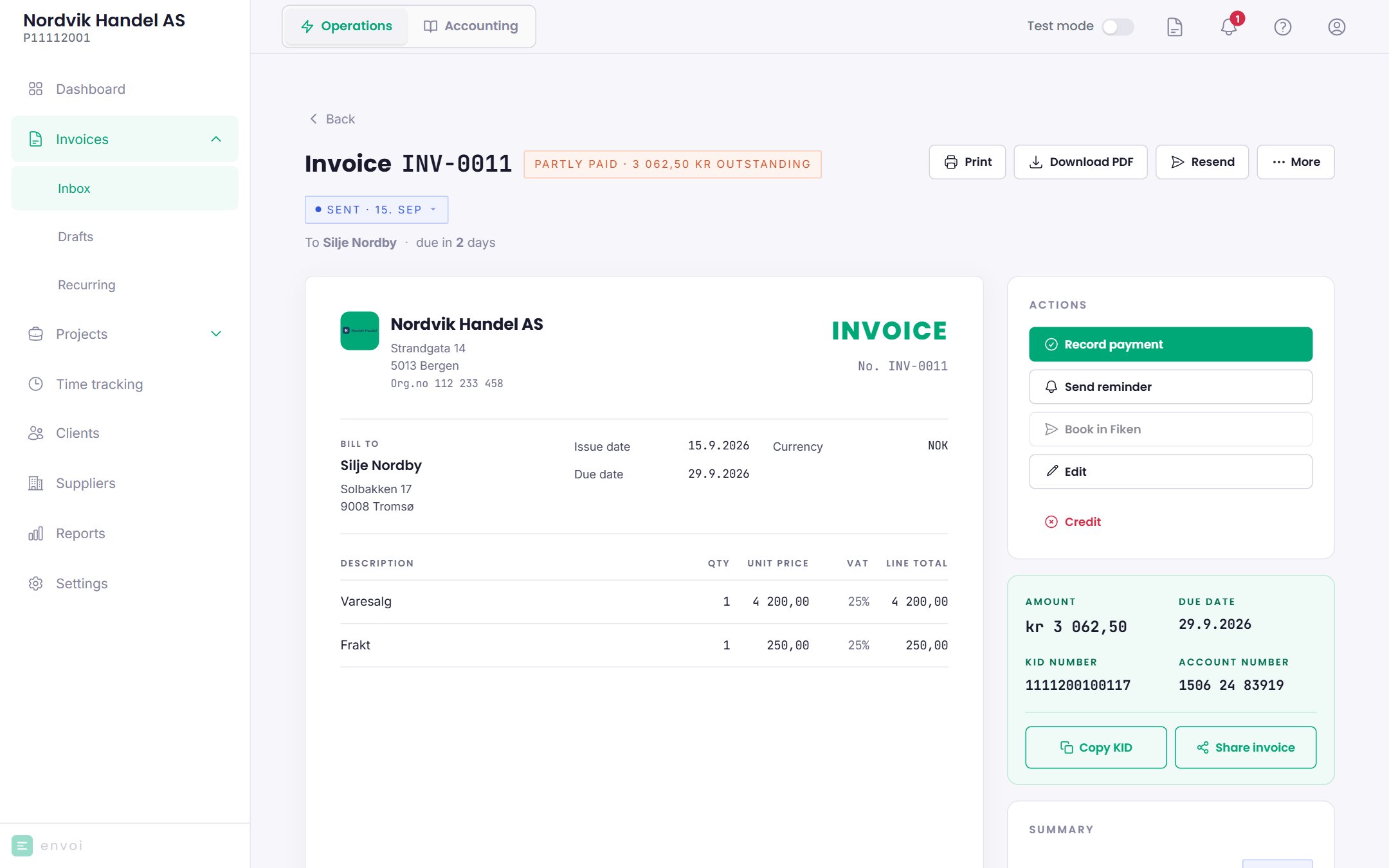
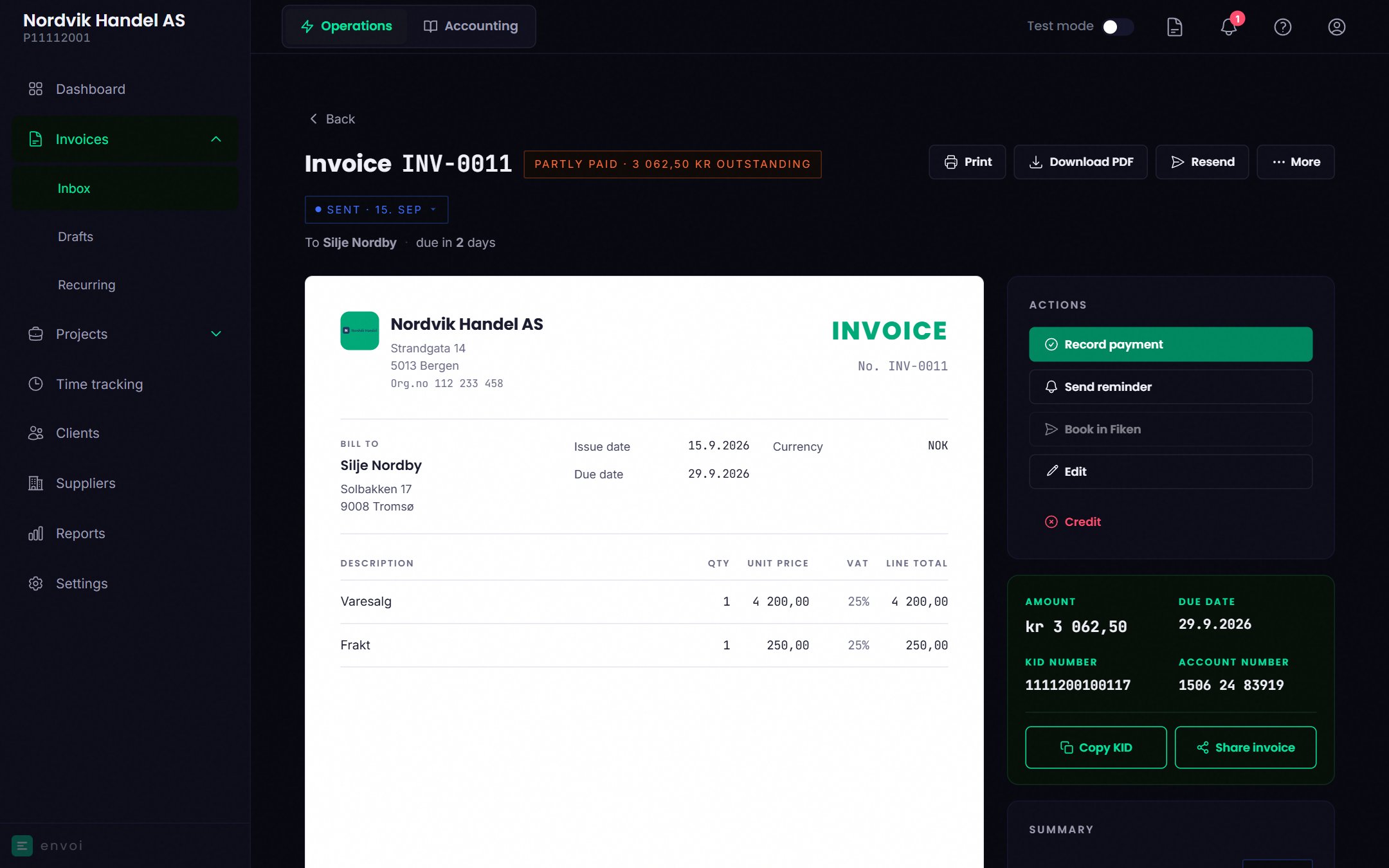
Choose **Record payment** under **Actions**.
* **Payment date**: the date the money came in. It cannot be in the future.
* **Amount received**: filled in with what remains. Change it if the customer has paid less.
Below the fields you see whether the payment settles the invoice, or how much remains afterwards.
Choose **Record payment**.
## Partial payment
If the customer pays only part of the amount, the invoice is marked **Partly paid**, with the amount that remains. You see the payments in a separate list on the invoice. Record the next payment the same way. When everything is paid, the invoice is marked **Paid**.
 Reminder fees and interest are not included in the amount that remains.
## Rules
* You cannot record more than what remains.
* The amount can have at most two decimals.
* A payment can only be recorded on a sent invoice that is not already paid or credited.
## Removing a payment
If you recorded something wrong, choose **Remove** next to the payment. This only works as long as the invoice is not paid in full. Once the invoice is paid and posted, the mistake must be corrected in the books. See [Correcting mistakes](/en/accounting/corrections).
## In the books
If accounting is turned on, the payment is posted when the invoice is paid in full, dated the last payment. A partial payment is not posted until then. See [Automatic bookkeeping](/en/accounting/automatic-bookkeeping).
Record each payment in one place only: here on the invoice, or with **Link to invoice** under [Bank](/en/accounting/bank). Not both.
Reminder fees and interest are not included in the amount that remains.
## Rules
* You cannot record more than what remains.
* The amount can have at most two decimals.
* A payment can only be recorded on a sent invoice that is not already paid or credited.
## Removing a payment
If you recorded something wrong, choose **Remove** next to the payment. This only works as long as the invoice is not paid in full. Once the invoice is paid and posted, the mistake must be corrected in the books. See [Correcting mistakes](/en/accounting/corrections).
## In the books
If accounting is turned on, the payment is posted when the invoice is paid in full, dated the last payment. A partial payment is not posted until then. See [Automatic bookkeeping](/en/accounting/automatic-bookkeeping).
Record each payment in one place only: here on the invoice, or with **Link to invoice** under [Bank](/en/accounting/bank). Not both.