

The company must be registered in the Brønnøysund Register Centre (Brønnøysundregistrene). If you are starting a new business, register it first at brreg.no and come back afterwards.
How to do it
1
Your company
Look up the company by organisation number or name. Envoi fetches the name and address from the Brønnøysund Register Centre.If the company is already on Envoi, you can choose Send request. The account owner is then notified and can approve you, and you wait on a separate page until that happens.
2
Your account
Enter your first name, last name, email and a password of at least 10 characters. You can also choose Continue with Google.You become the owner of the company account, and can invite others later.
3
Verify email
Envoi sends a 6-digit code to your email. Enter it to activate the account. If you did not get a code, you can choose Resend code.
4
Invoice setup
This is what you need to send an invoice:
- Business name on invoice, if it should be different from the legal name.
- VAT-registered. If you are, «MVA» is added automatically after the organisation number on your invoices.
- Account number (11 digits). Can be added later.
- Payment terms: 7, 14, 30 or 45 days.
5
What do you sell?
Answer who you invoice, roughly how many invoices you send a month and which industry you are in. The industry is used to suggest a VAT code. This is also where you choose a subscription.
6
Accountant
This step is optional, and you can skip it.
7
Terms
Review the summary, accept the terms and create the account. You land on the dashboard.
After the account is created
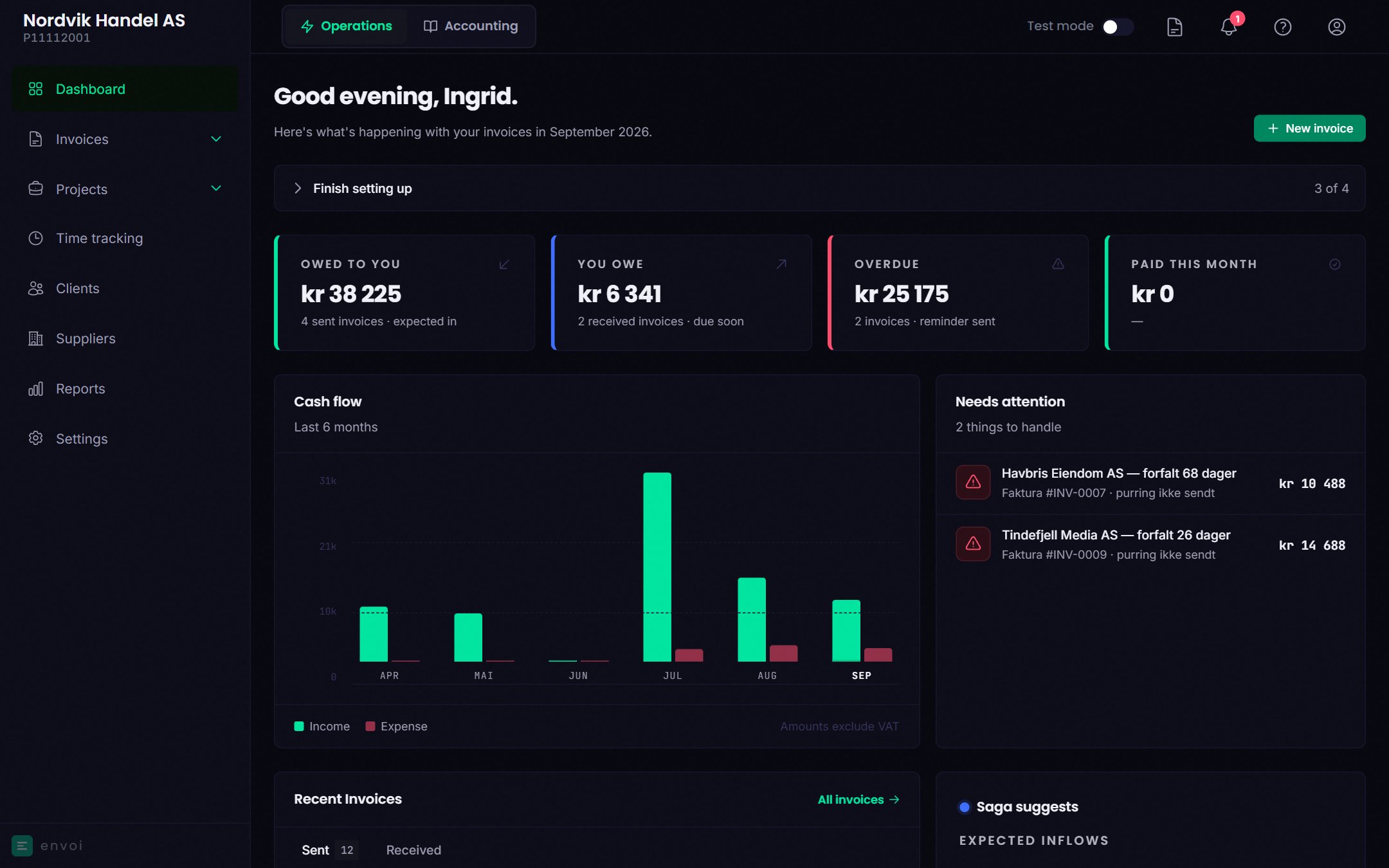
At the top of the dashboard is Finish setting up, with what remains, such as logo and contact details.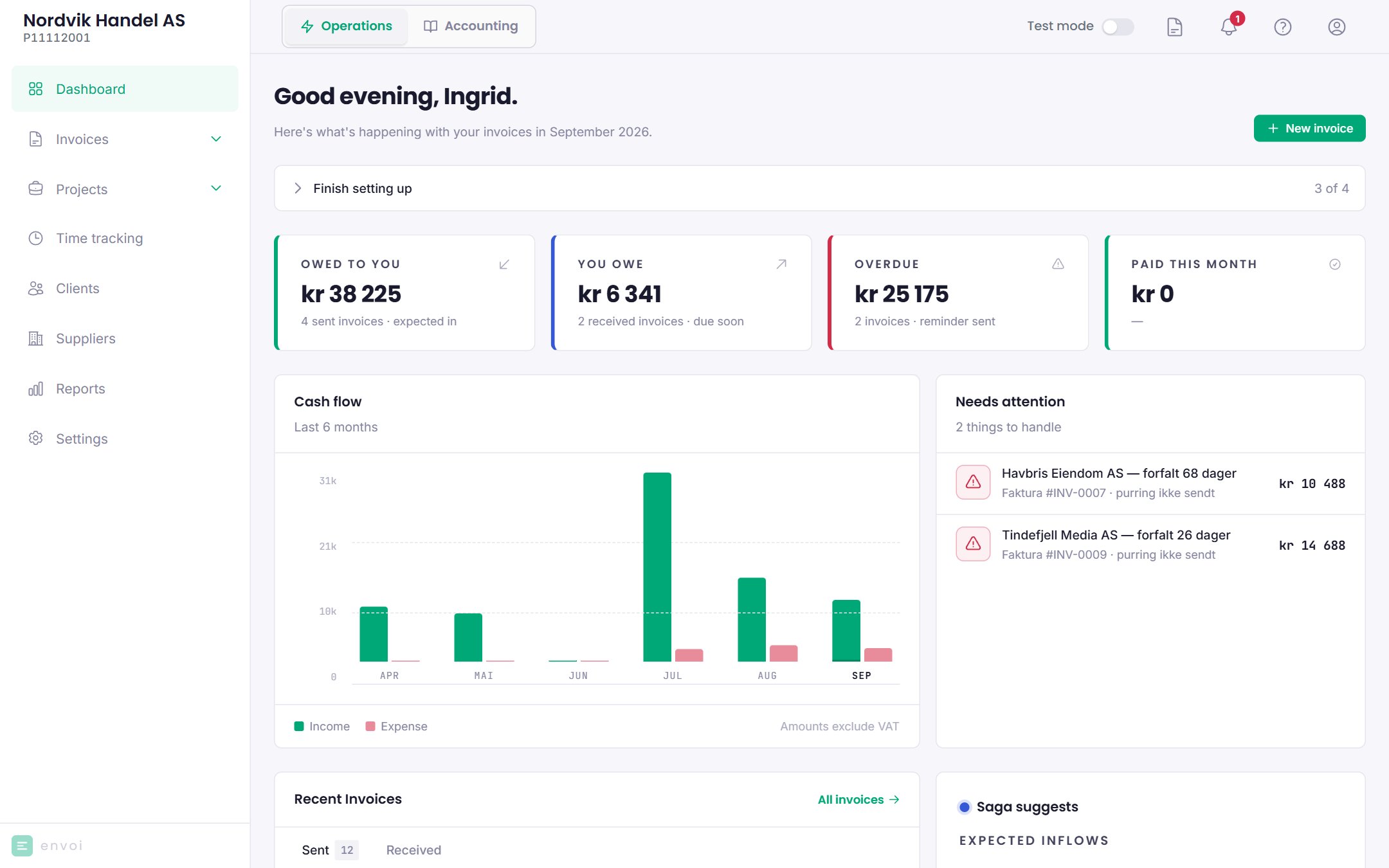
Your first invoice
Create and send an invoice.
Turn on accounting
Let Envoi keep your books.