Create the invoice
1
Open a new invoice
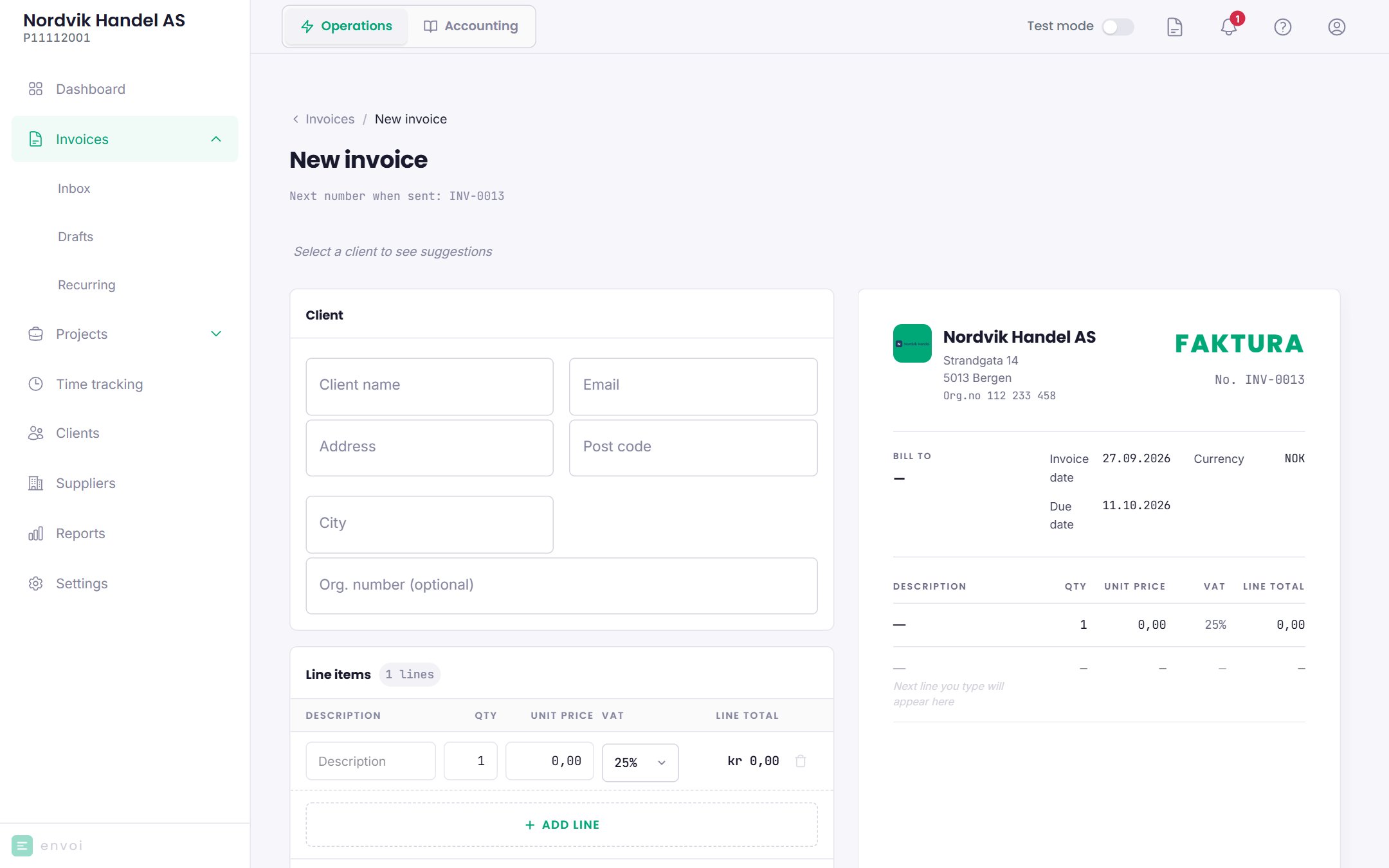
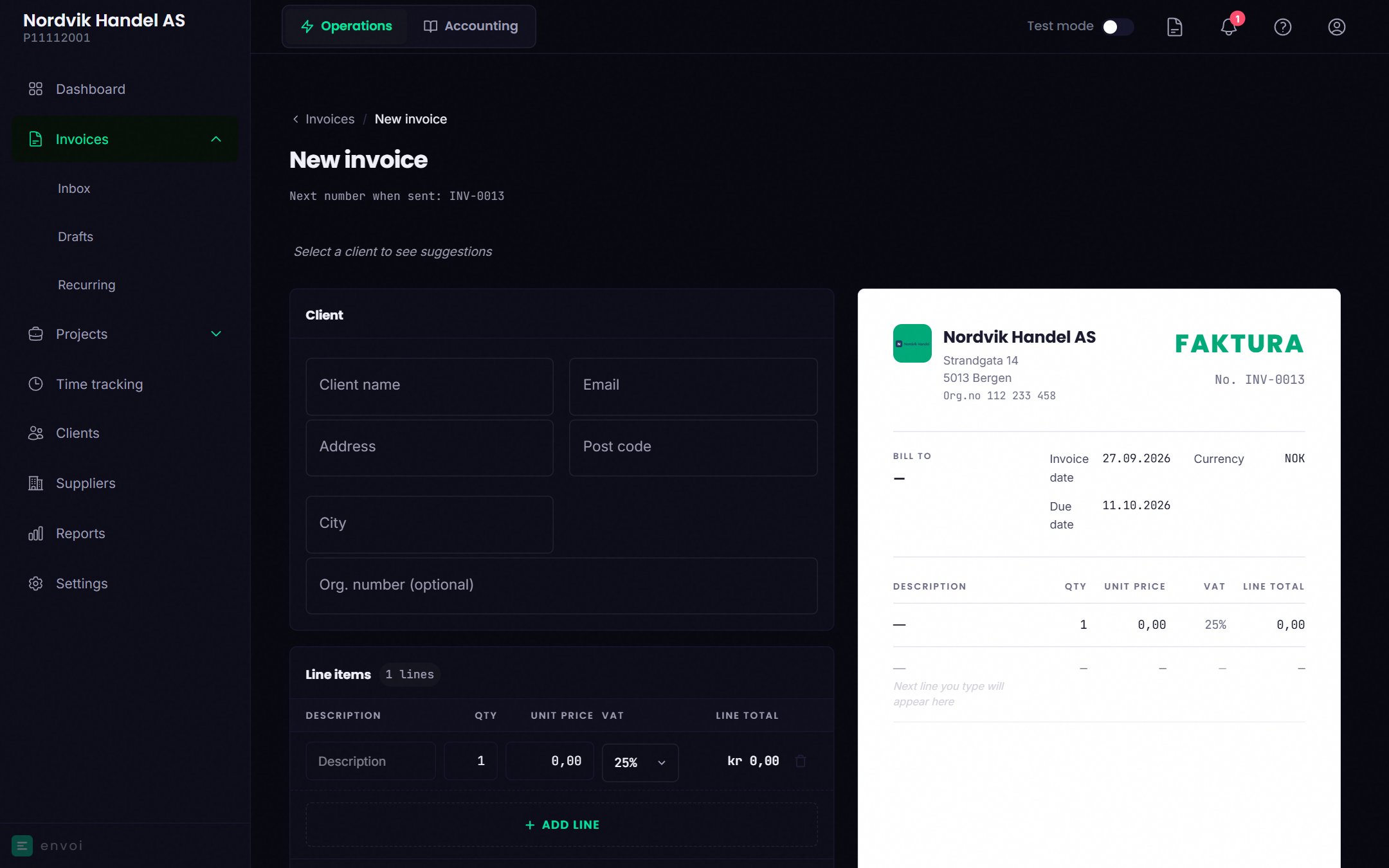
Choose New invoice on the dashboard, or go to Invoices.
2
Choose a customer
Choose a customer you already have, or type in a new one. New customers are saved when the invoice is saved.If you have invoiced the customer before, Envoi shows suggested lines. Previous fetches the lines from the last invoice, and Saga suggests lines based on the customer’s last 10 invoices.
3
Add lines
Fill in the description, quantity, price and VAT for each line. Every line must have a VAT code before you can send.
4
Save or send
Save as draft lets you finish later. Send invoice gives the invoice a number and sends it as a PDF by email to the customer.
The customer must have an email address for Envoi to send the invoice. If the customer has none, you can download the PDF and send it yourself.
Sending EHF invoices through the Peppol network is coming before 2027. Until then, you can download the EHF file and send it yourself.
When the customer pays
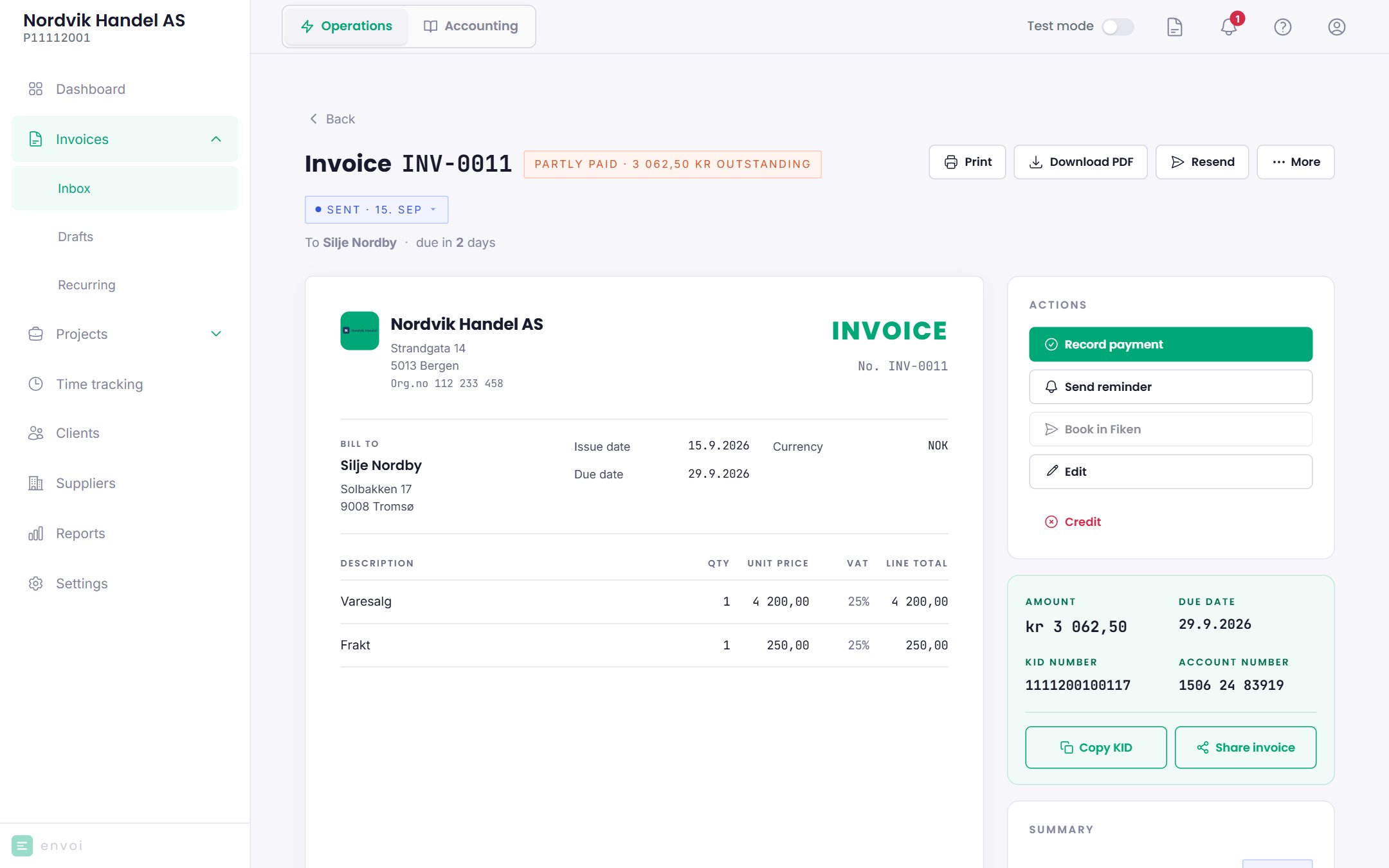
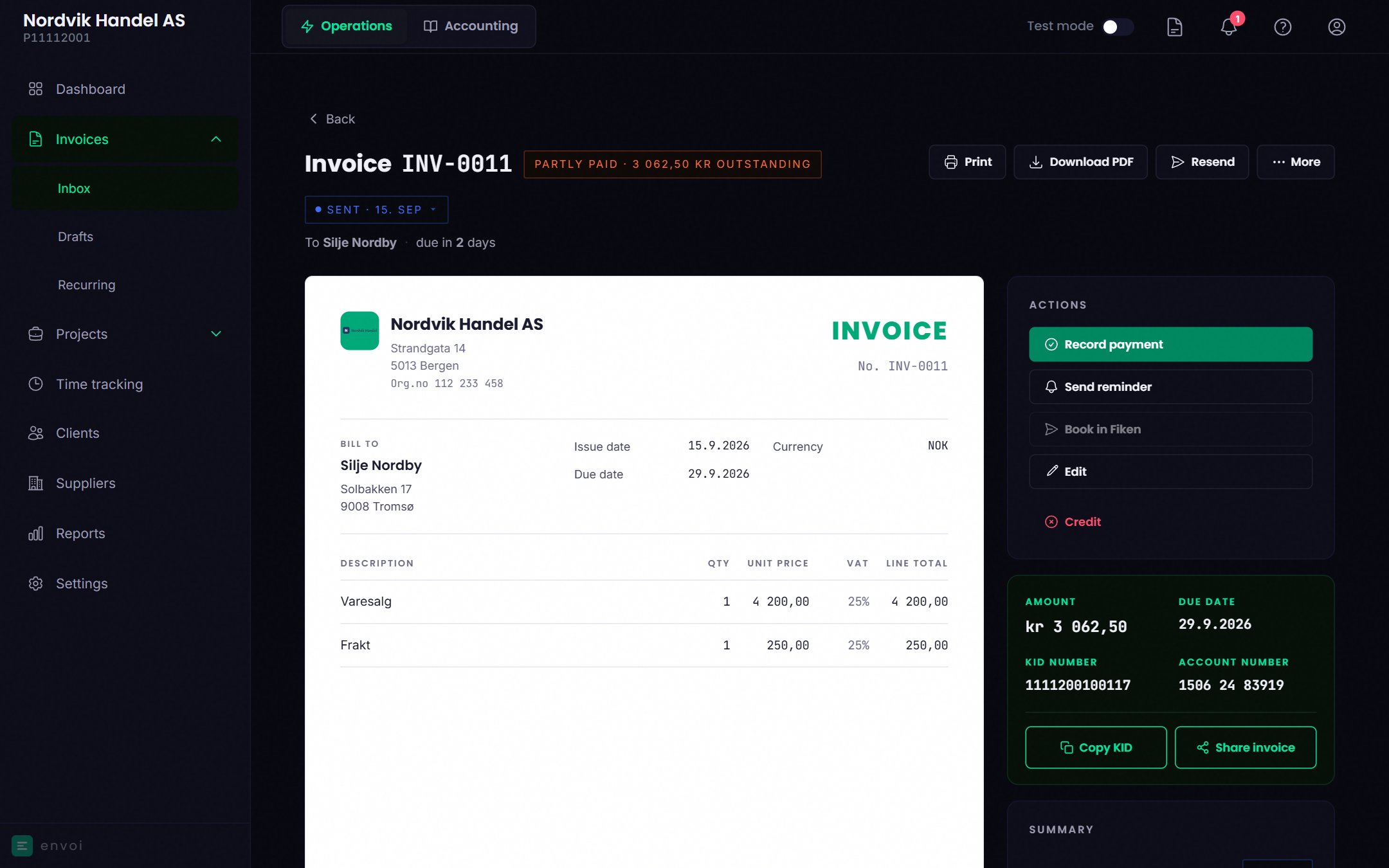
Open the invoice and choose Record payment. Enter the date the money came in and the amount.- If the customer pays the full amount, the invoice is marked as paid.
- If the customer pays only part of it, the invoice is marked Partly paid, with the amount that remains.