

Posted automatically
Not posted automatically
Partial payments
Partial payments
A partial payment is not posted right away. When the invoice is paid in full, the payment is posted in one go, dated the last payment received. Until then, the full invoice amount stands as outstanding in the books.
Refunding a credit note
Refunding a credit note
If you pay money back to a customer after a credit note, it must be posted as a manual journal entry.
Supplier invoices in a foreign currency
Supplier invoices in a foreign currency
The invoice itself is posted, converted to Norwegian kroner. The payment of an invoice in a foreign currency is not posted automatically, and ends up under Needs you.
When you undo something in Operations
When you undo something in Operations
If you mark a paid supplier invoice as unpaid again, or reject it after it has been confirmed, only the status in Operations changes. What has been posted stands. You can reverse a payment. If the supplier invoice itself is wrong, ask the supplier for a credit note.
Documents from before accounting was turned on
Documents from before accounting was turned on
These are not posted. Open invoices are included in the opening balance.
Which income account
Sales are posted as sales of goods (account 3000) or services (account 3020), according to what you have chosen under What do you mostly sell? in Company and VAT. Sales without VAT and exports are posted to separate accounts.Needs you
If something cannot be posted, it ends up under Needs you. The menu item shows a number when something is waiting.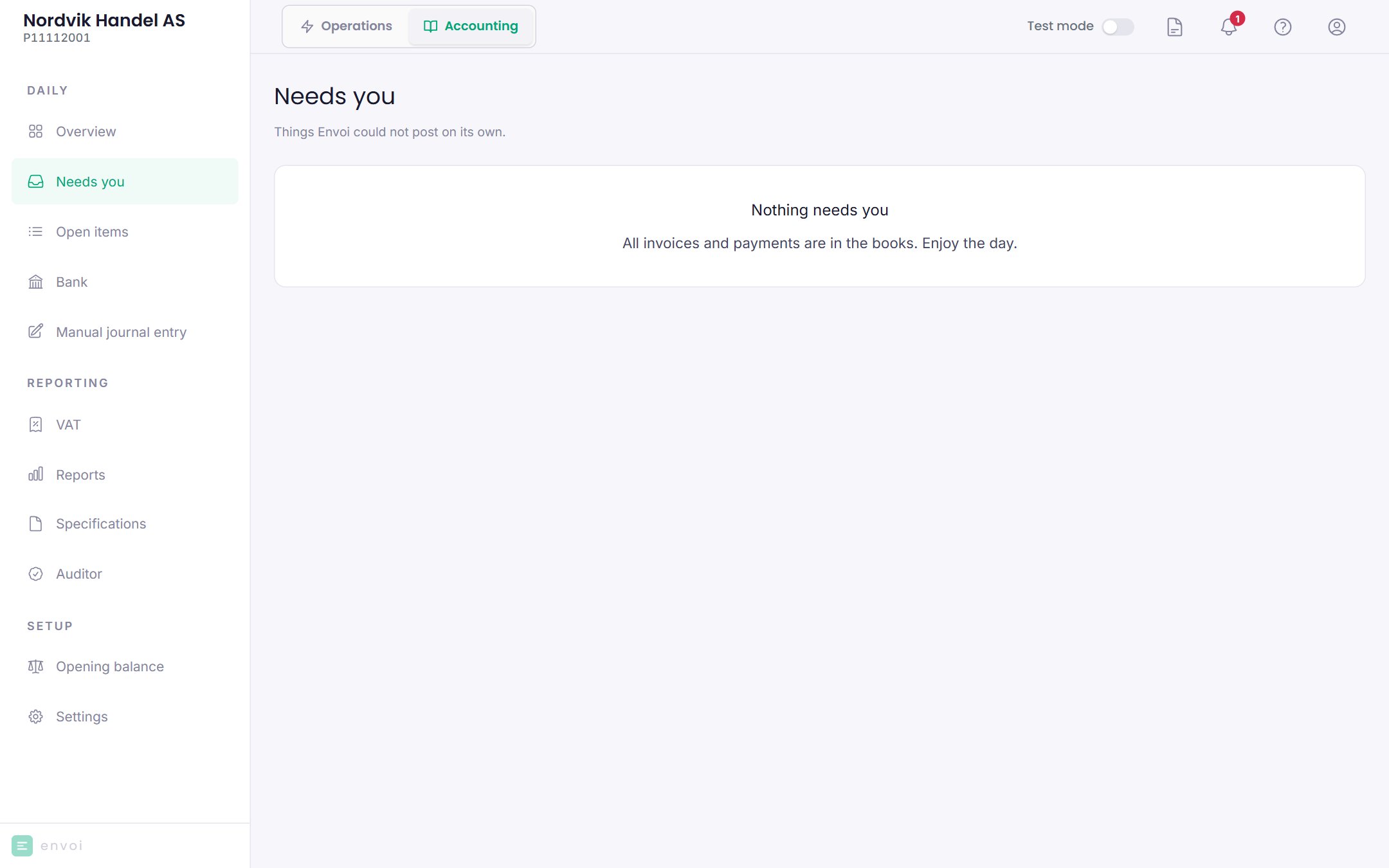
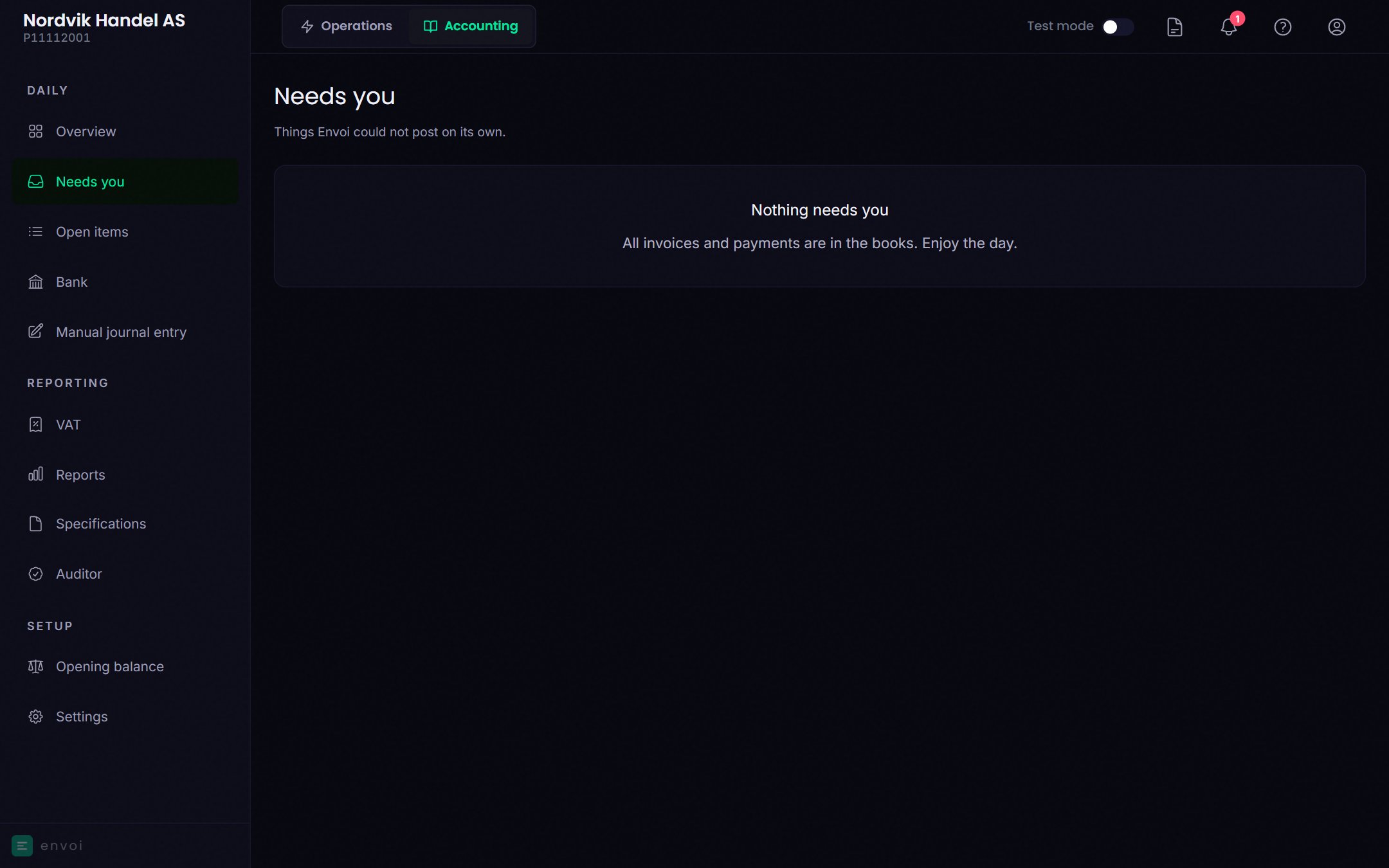
- Go to the document: opens the invoice or supplier invoice, so you can fix what is missing.
- Try again: Envoi tries to post it again. Use this after you have fixed the error.
- Close the case: the document is not posted. You must write why, and it cannot be undone.
The error message comes straight from the accounting engine and may be in English.