

Where the correction belongs
In Specifications, Envoi shows on each entry where the correction belongs, with a link there.
Reverse an entry
Reverse creates a new entry that is the opposite of the original, so the two cancel each other out. Both remain in the books.1
Find the entry
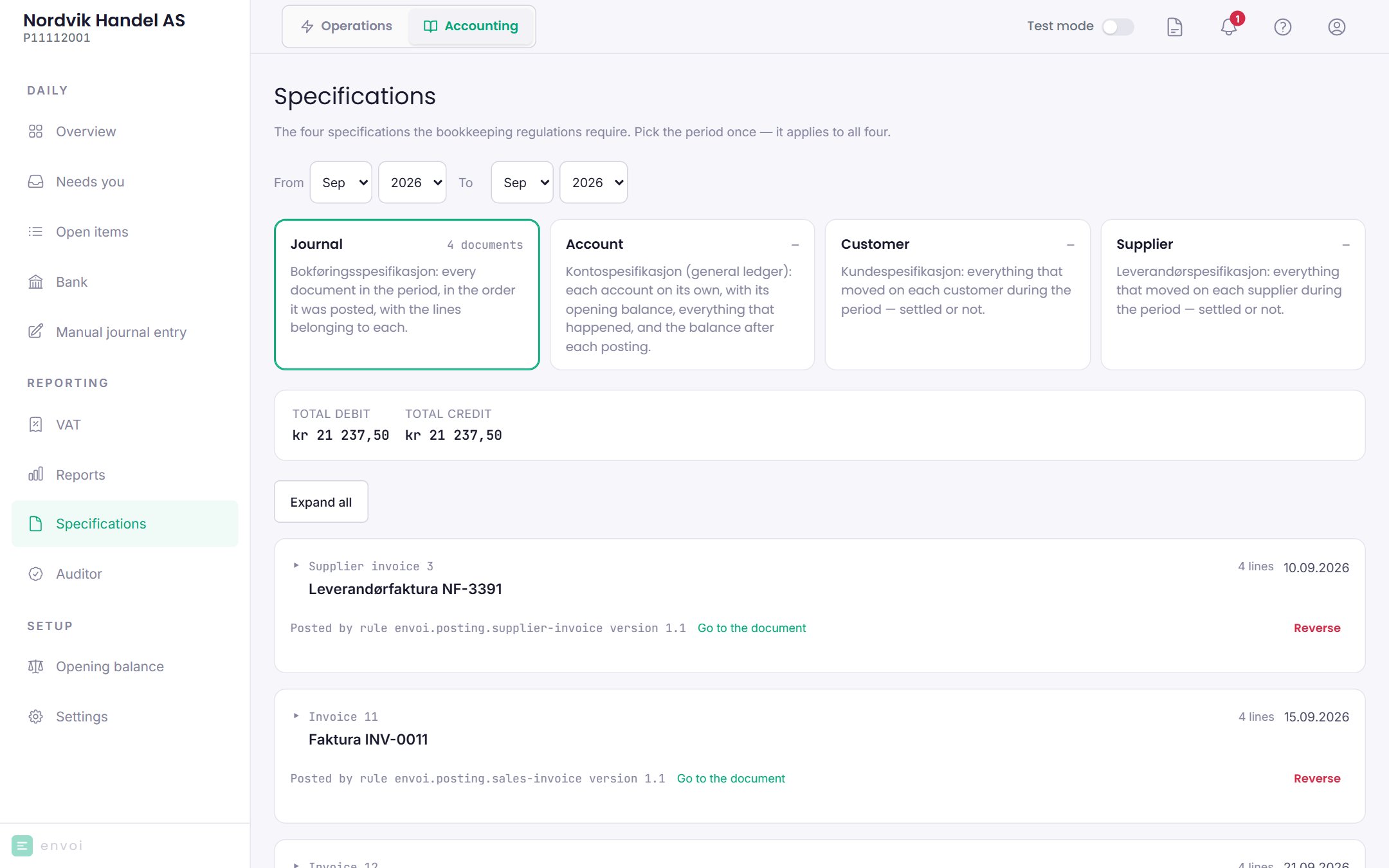
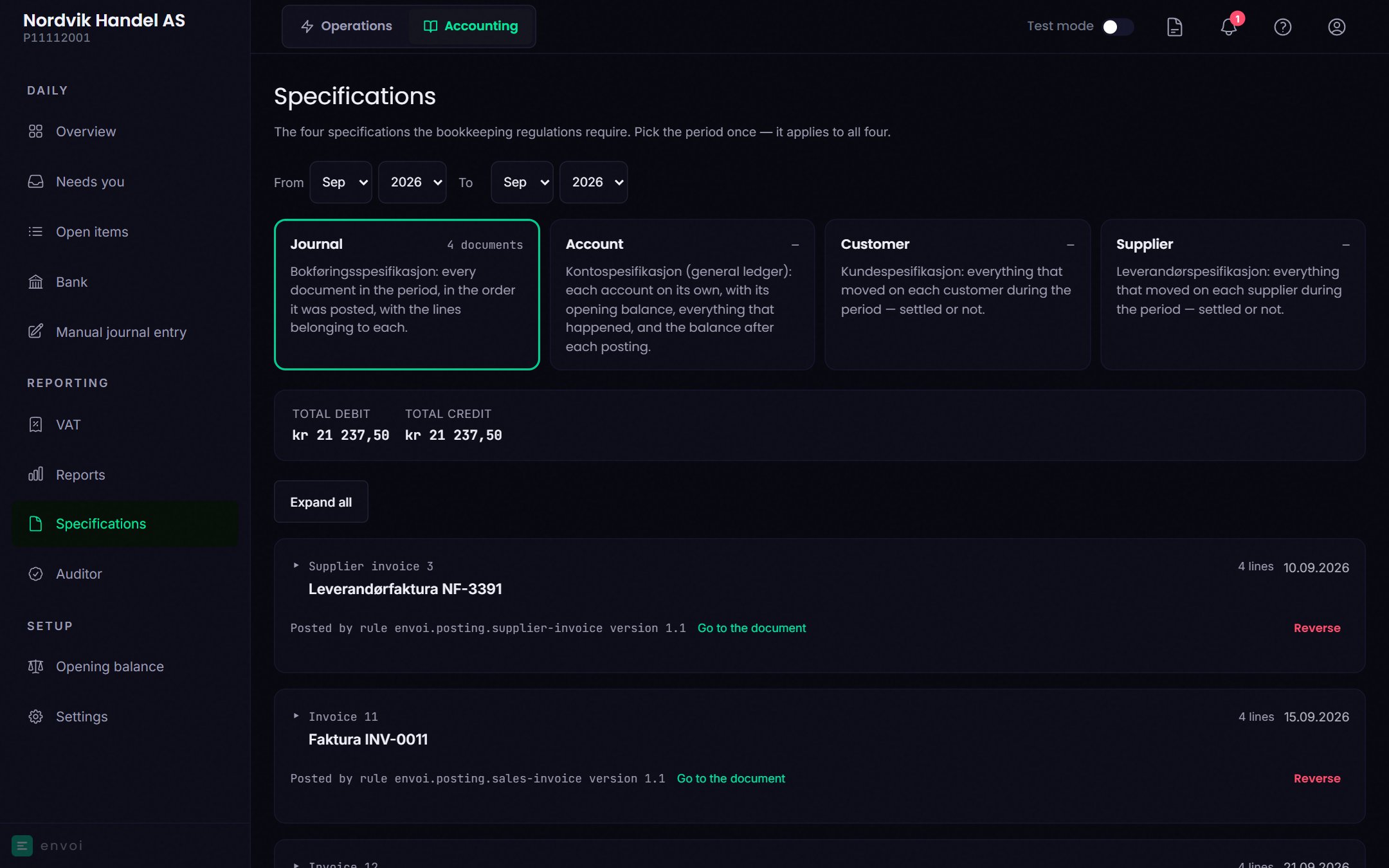
Go to Accounting, Specifications, the Journal tab. Choose the period the entry is in.
2
Choose Reverse
Choose Reverse on the entry. The option is only there on entries that can be reversed.
3
Write the reason
Fill in Reason. It stays in the books together with the reversal.
4
Confirm
Choose Reverse the entry. The reversal is posted with today’s date, and the original entry is marked Reversed.
5
Post the right entry
Choose Post the right entry to post what should have been posted, as a manual journal entry.
Reversing a payment changes nothing in Operations. If you reverse a customer payment, the invoice still shows as paid in Operations, while the books show the claim as open again.
Post a manual journal entry
With a manual journal entry you post the lines yourself, for example a correction or something Envoi does not post automatically.1
Open the page
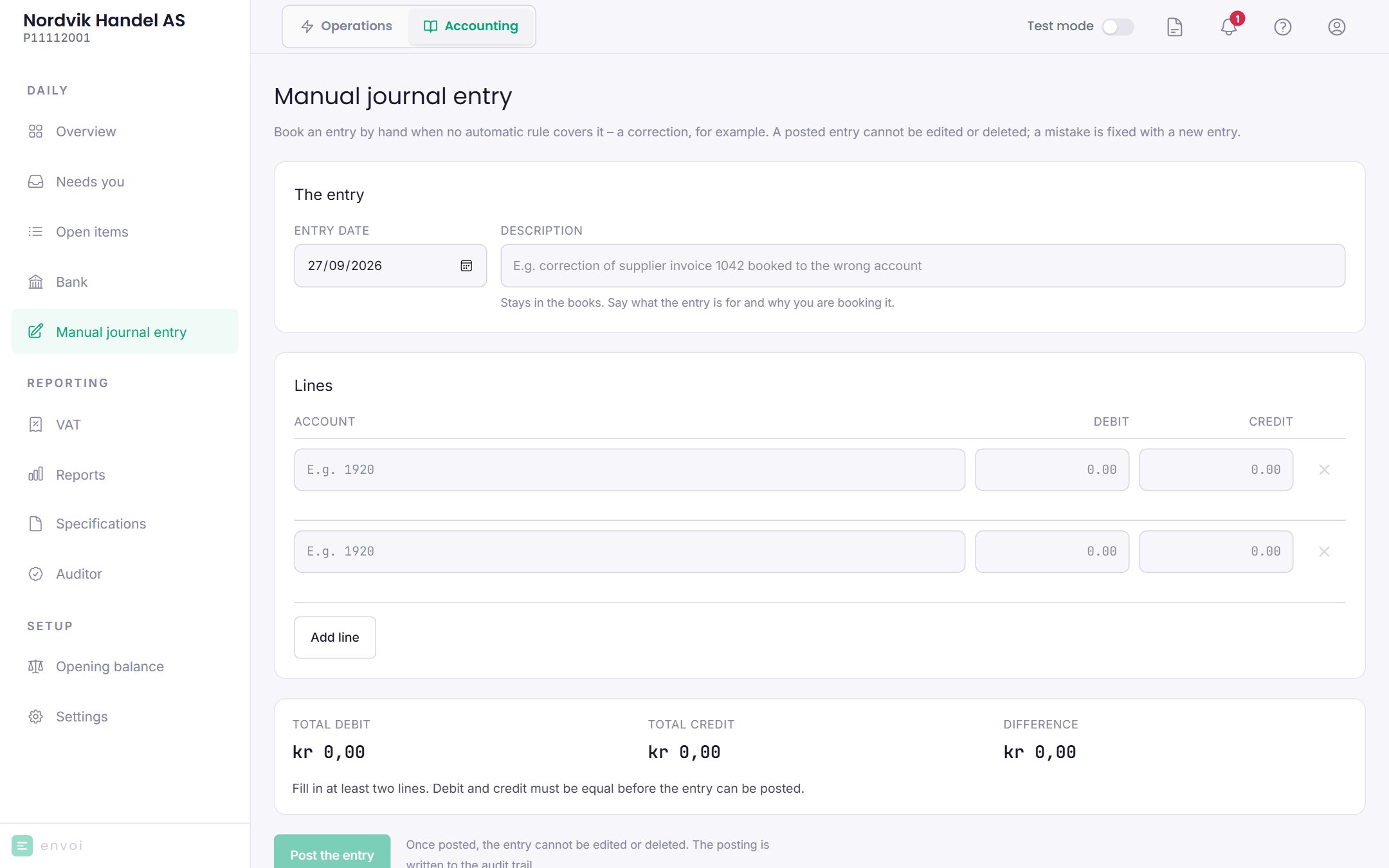
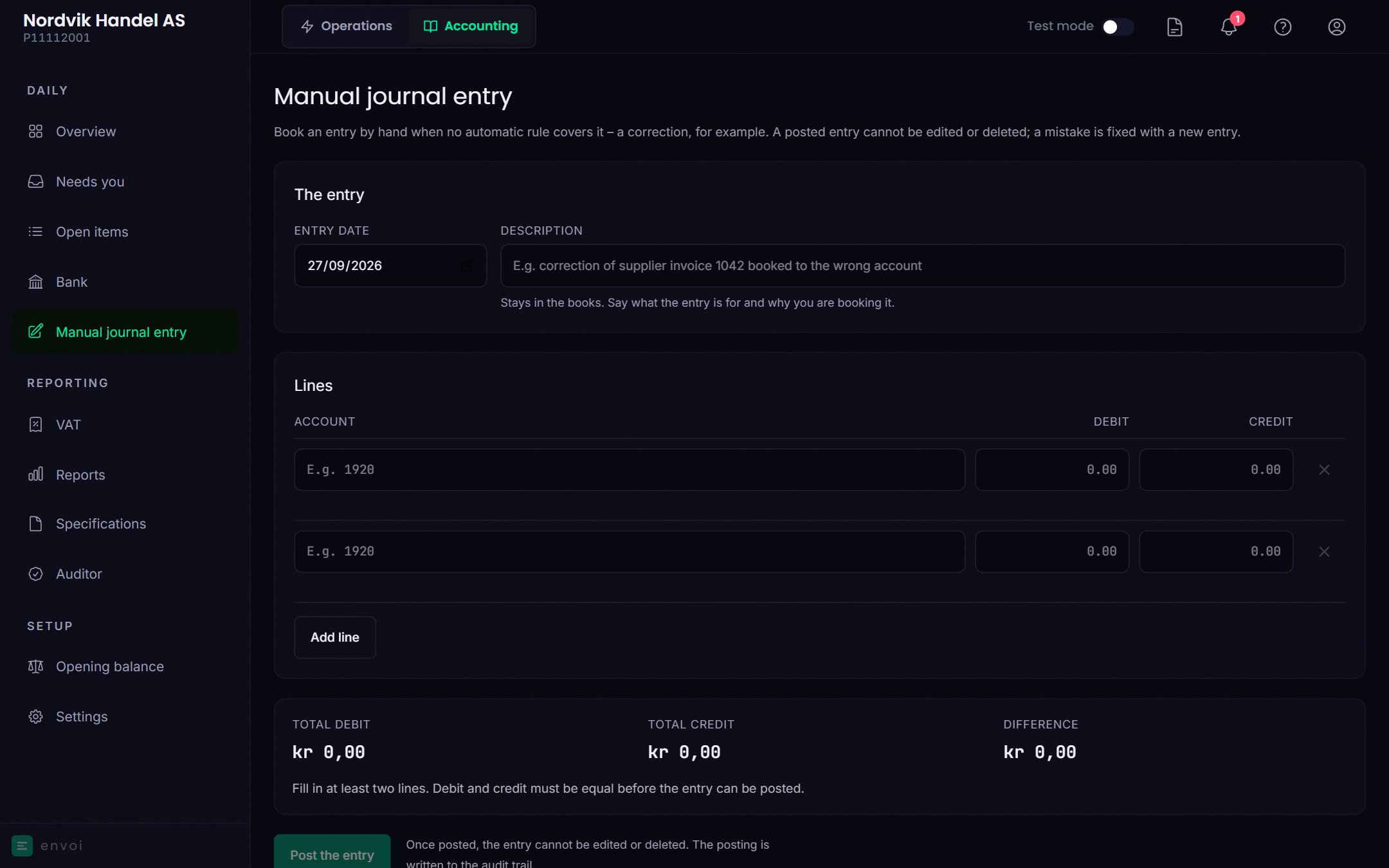
Go to Accounting, Manual journal entry. If you come from Correct this entry or Post the right entry, the entry you are correcting is already chosen.
2
Date and description
Choose the Entry date and write a Description. The description stays in the books.
3
Are you correcting an entry?
Under Corrects entry (optional) you can choose the entry you are correcting. Both entries then refer to each other in the journal.
4
Add the lines
Add at least two lines. Search for an account by number or name, also with everyday words like “rent”. Under Suggestions you see the accounts you used most recently.Once you have chosen an account, Envoi shows what debit and credit mean for that account, for example “money in” and “money out” for the bank account. Each line uses one column, debit or credit.
5
Post
When Total debit and Total credit are equal, choose Post the entry.
Good to know
- A manual journal entry has no VAT code, customer or supplier on the lines, and you cannot add attachments.
- The date cannot be in a closed month.
- If you are unsure which accounts to use, ask your accountant before you post.