

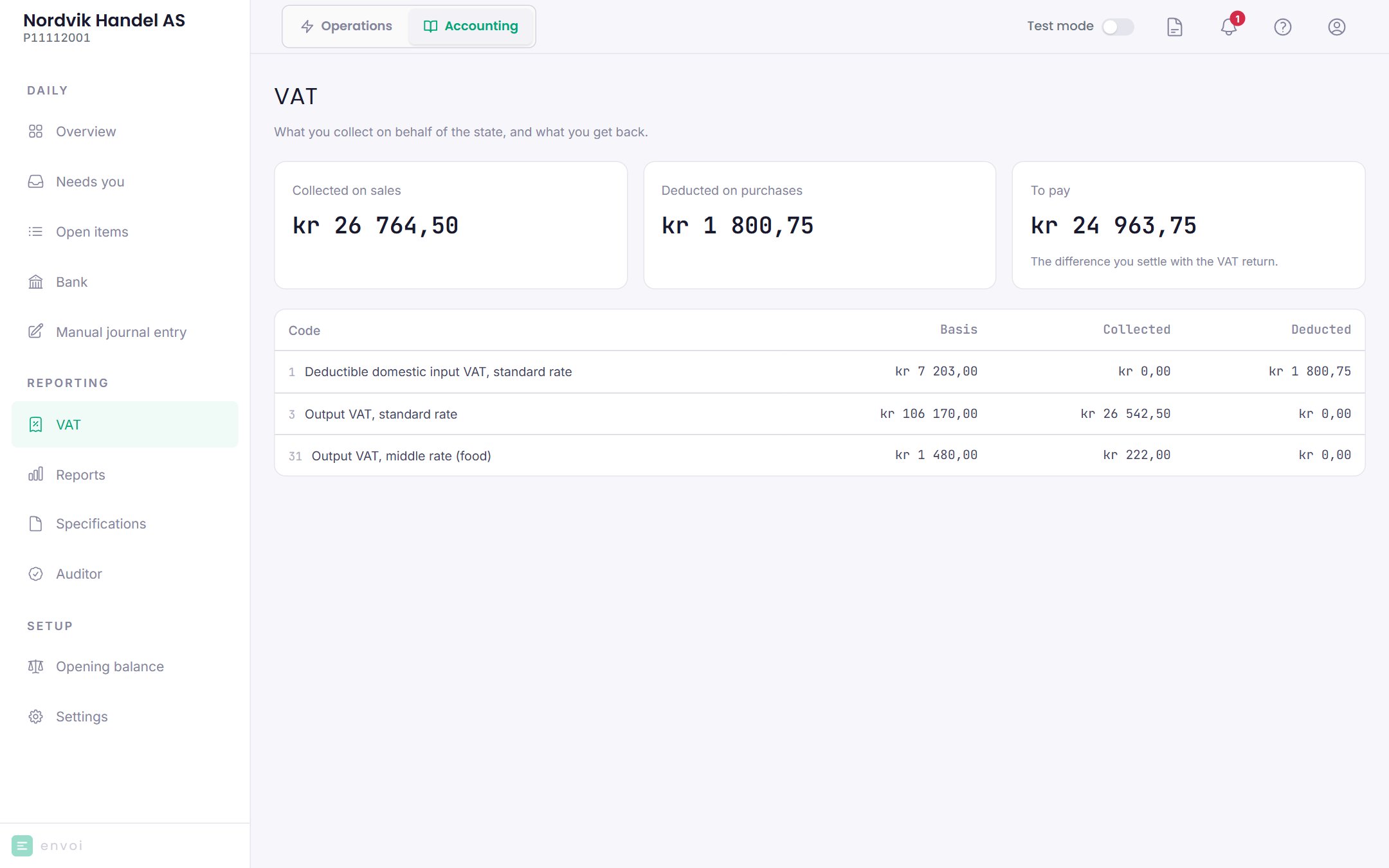
Choose the period
Choose the period and year at the top. The page opens on the period with the nearest deadline. If you report annually, choose Whole year (annual). Below that you see the deadline for the VAT return and the payment, and how many days are left. The deadlines are as Altinn states them. If a deadline falls on a weekend or public holiday, check it in Altinn. Whether you file every two months or once a year, you choose under Company and VAT.What you see
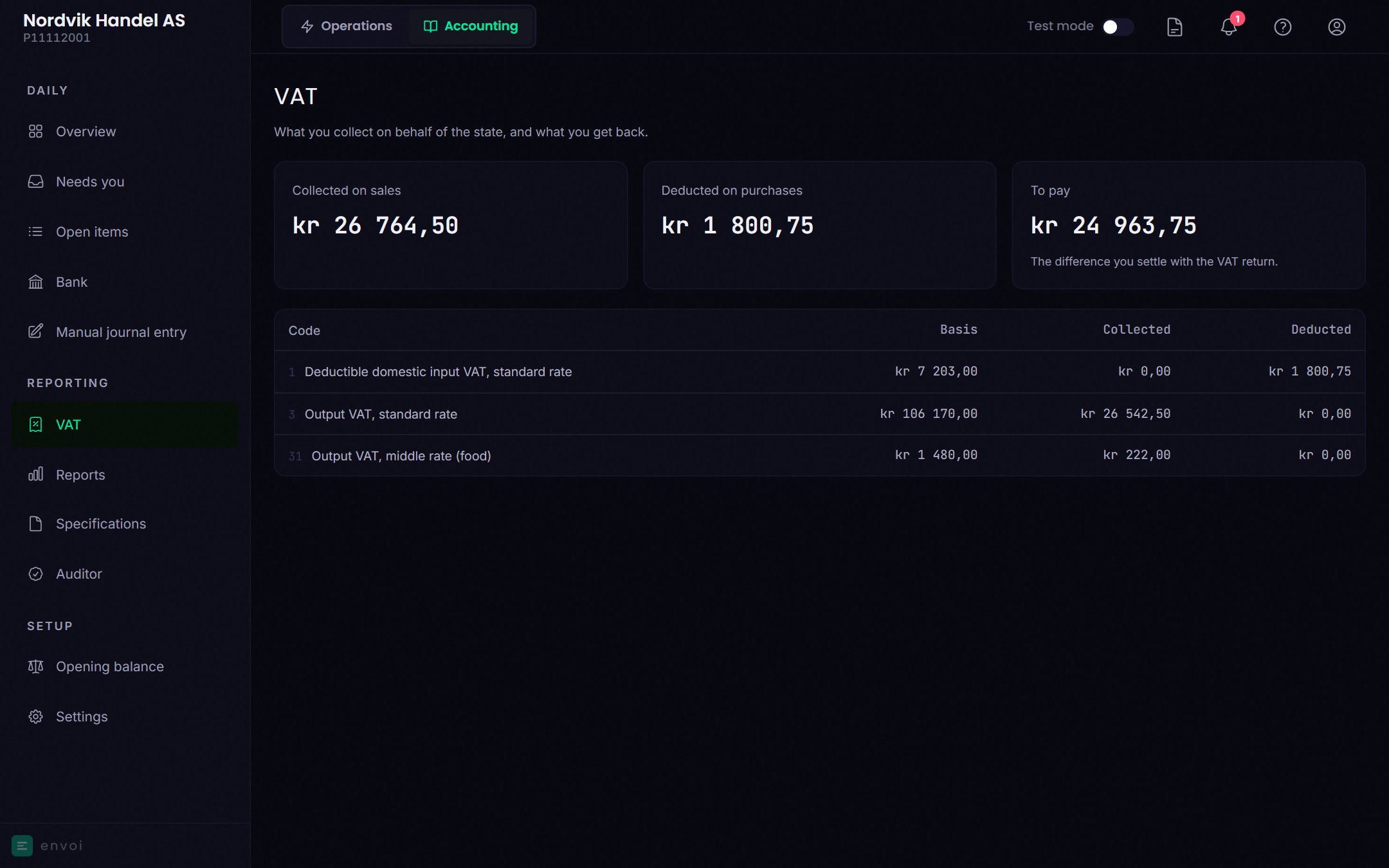
Below that you see a table per VAT code, with the basis, what has been collected and what has been deducted.
Download the VAT return
When the period is over, choose Download VAT return. Envoi creates the VAT return as a file. You upload it when you log in to the VAT return at Skatteetaten, and pay as usual. For you to be able to download the VAT return:- The period must be over.
- All the months in the period must be closed. See Closing periods.
- The period you choose must match how often you file, as set under Company and VAT.