

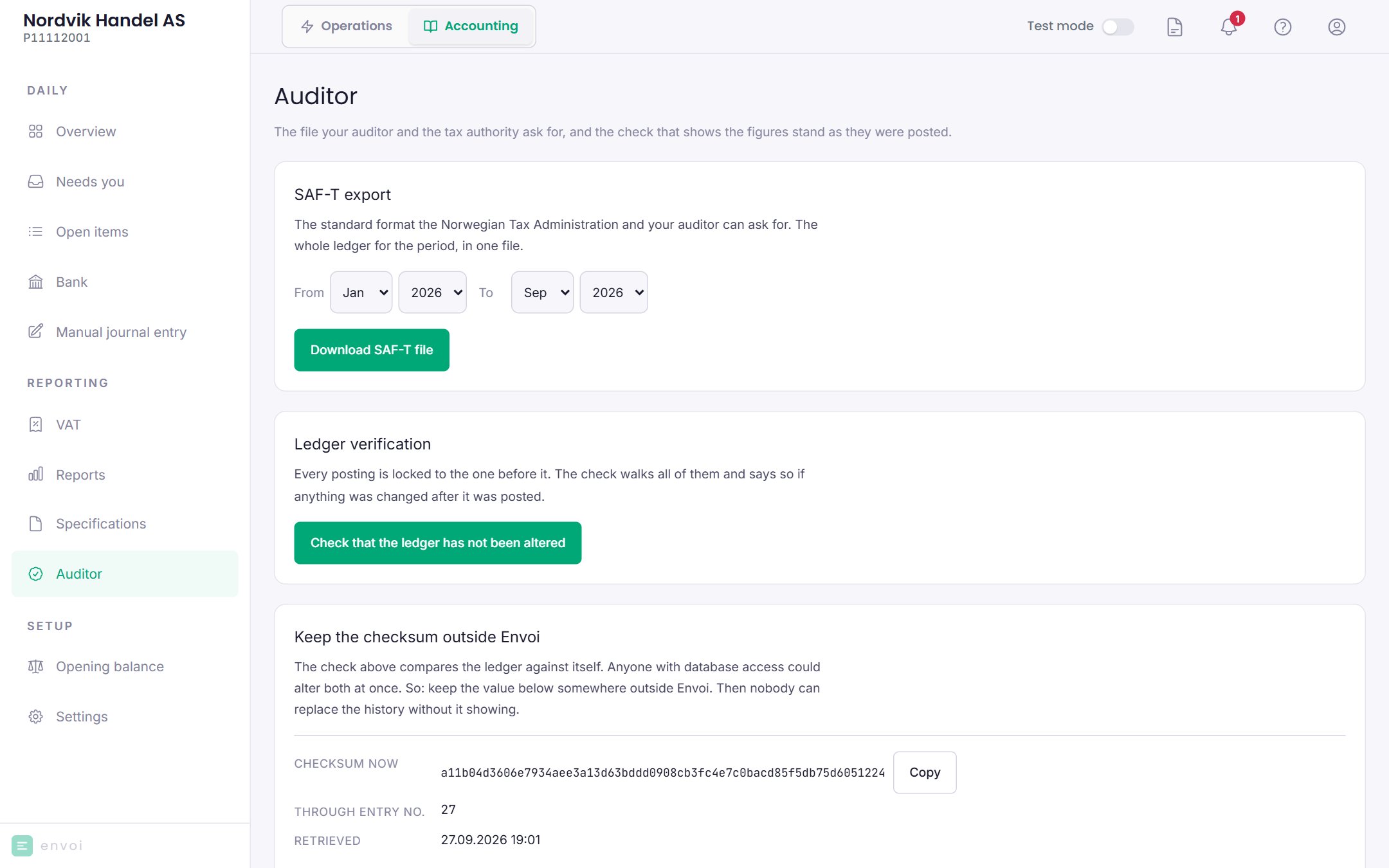
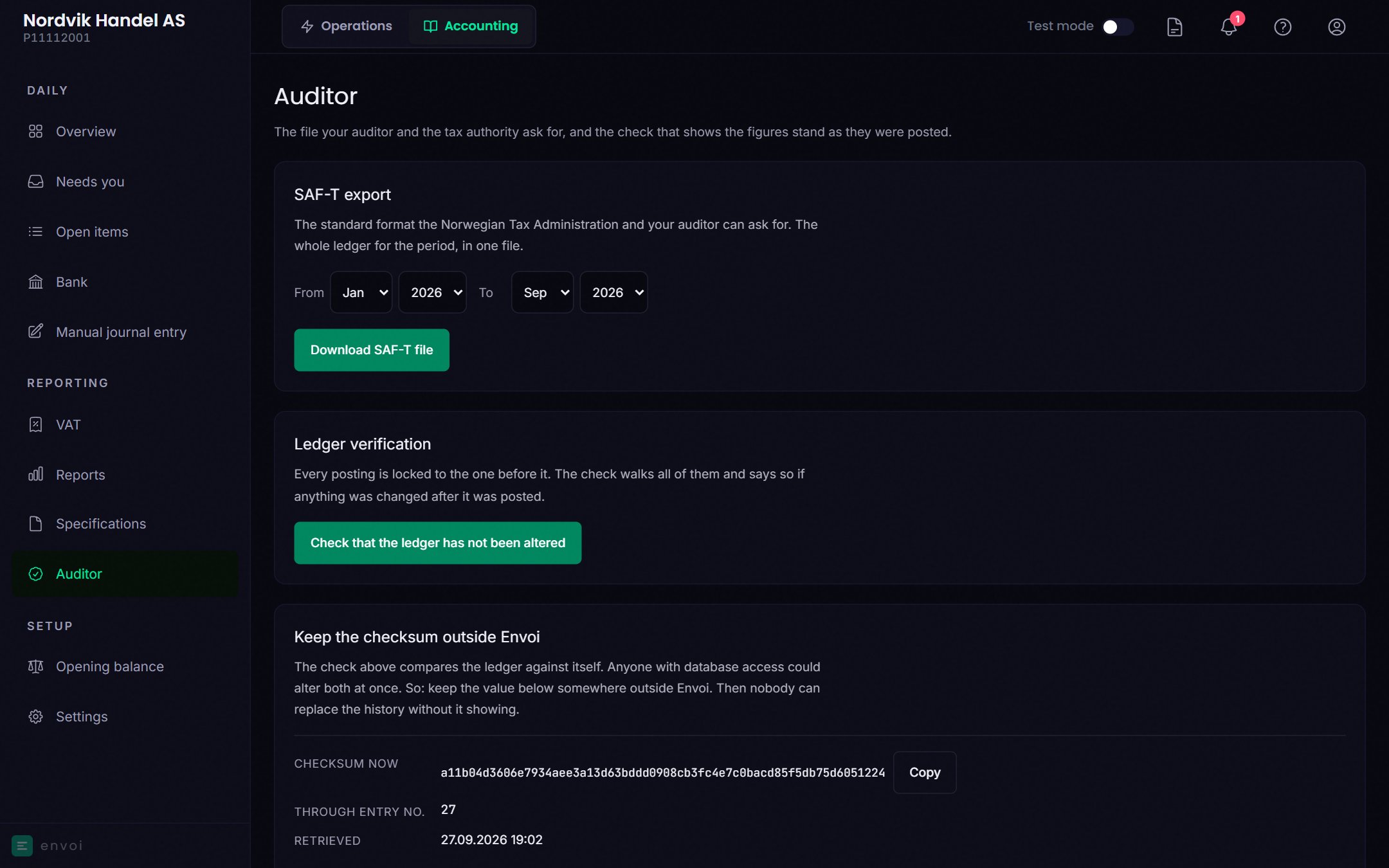
Download SAF-T
SAF-T is a standard file format for accounting. Envoi creates the file in version 1.40, which is the format Skatteetaten requires from 1 January 2027.1
Choose the period
Choose the From and To month. The period can span several years.
2
Download
Choose Download SAF-T file. The file is downloaded, and Envoi shows the file name and a checksum.
saf-t_organisasjonsnummer_fra-til.xml (organisation number, from, to), for example saf-t_112233458_202601-202609.xml.
- Envoi does not send the file anywhere. You give it to your auditor, accountant or Skatteetaten yourself.
- Every download from here is logged in the books.
- The same period gives the same checksum every time, so the recipient can see that the file has not been changed.
Check the books
Choose Check that the ledger has not been altered. Envoi goes through all postings and checks that they stand as they were posted.- Nothing has been altered: everything is in order.
- The ledger has been altered after posting: stop, and contact your auditor and support@envoi.no.