

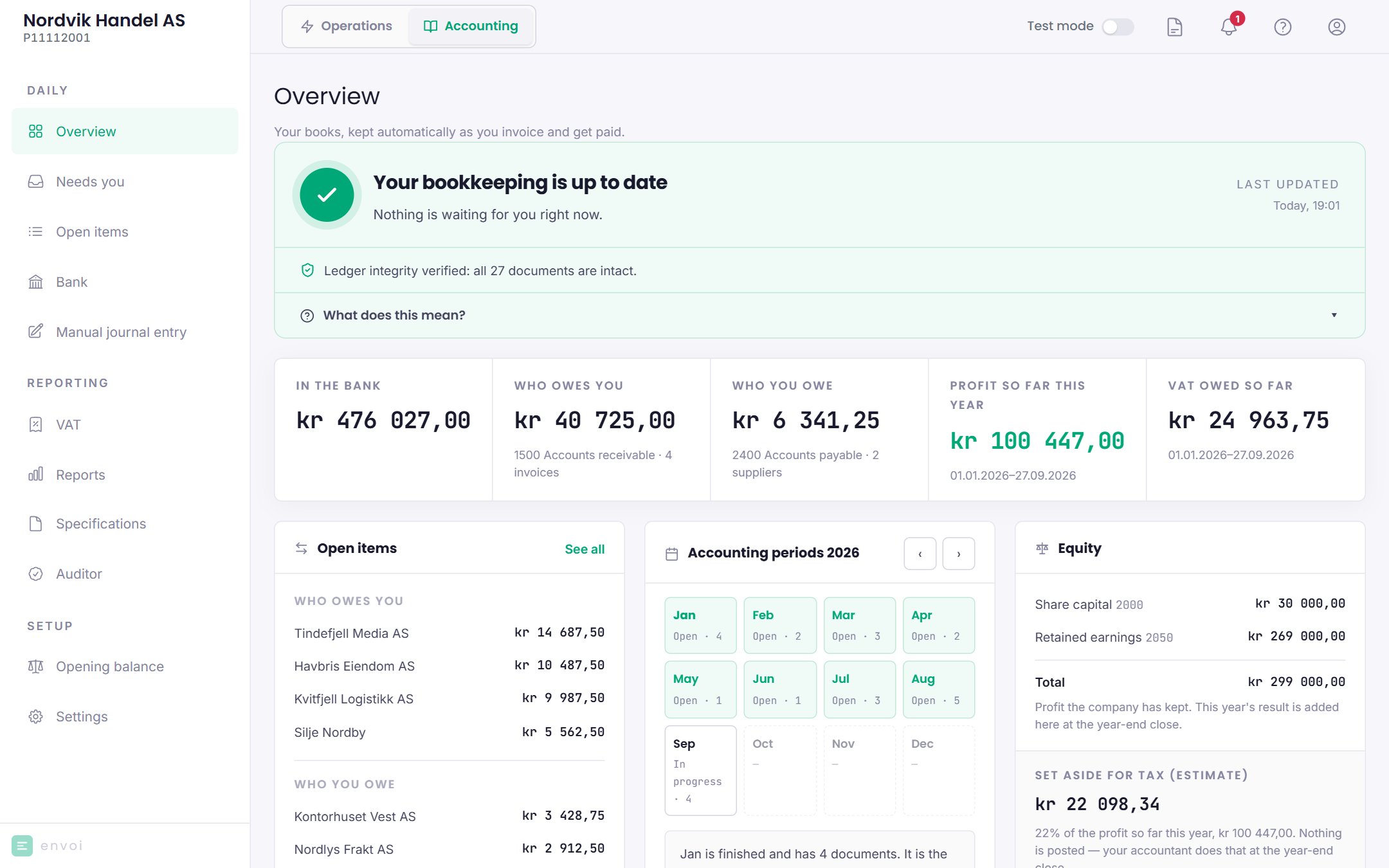
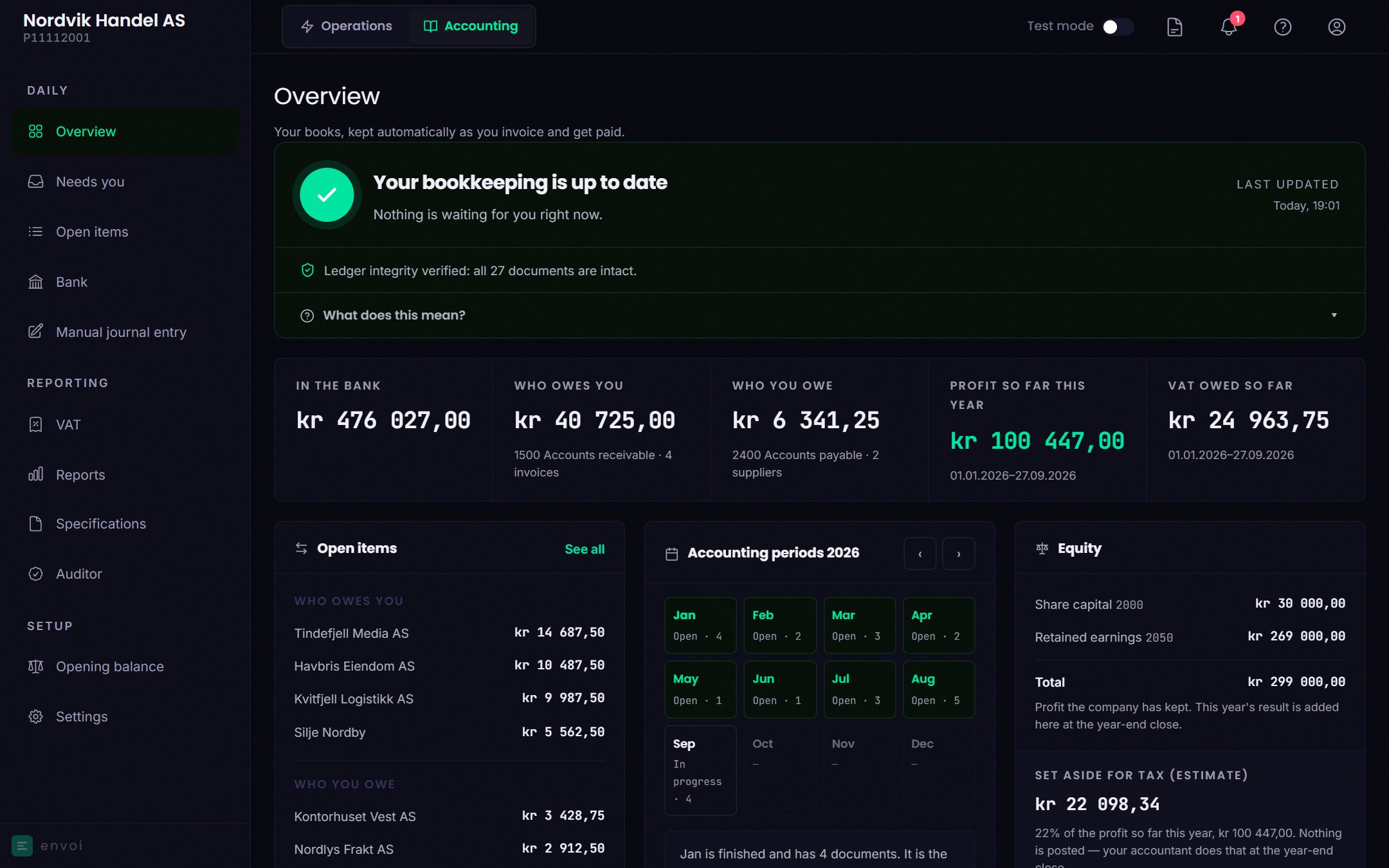
Status at the top
At the top you see whether anything needs you:- Record the opening balance: the books have no opening balance yet. Shown to the owner. See Opening balance.
- … things are waiting for you: something could not be posted. Choose Take a look to go to Needs you.
- The bank reconciliation does not add up: the bank and the books show different figures. Choose Open Bank.
- The books were changed after posting: the check has found a change. Choose See the details, and see Auditor and SAF-T.
- Your bookkeeping is up to date: nothing is waiting. This is also where it says whether the check of the books is in order, how many entries have been checked, and which months are locked.
Key figures
If a figure cannot be loaded, a dash is shown instead of 0.
The cards below
Below the key figures, the cards sit in three columns on a computer, and stacked on mobile.Open items and latest activity
A short list of who owes you and who you owe, with See all to Open items. Below it you see the most recent entries that have been posted.Accounting periods
The months of the year, with status and number of entries. Move between years with the arrows. This is where you close and reopen months. See Closing periods.Equity (AS)
For a limited company, the share capital, retained earnings and total are shown, along with an estimate of how much you should set aside for tax. The estimate is not posted. The tax is posted at the year-end closing.Your money in the business (ENK)
For a sole proprietorship, it shows how much you have taken out and put in this year, and the profit so far. Here you can post withdrawals and deposits:- Take money out for yourself
- Put your own money in