

- Operations is where you work day to day: invoices, customers, supplier invoices, projects and hours.
- Accounting is the books. What you do in Operations is posted here automatically.
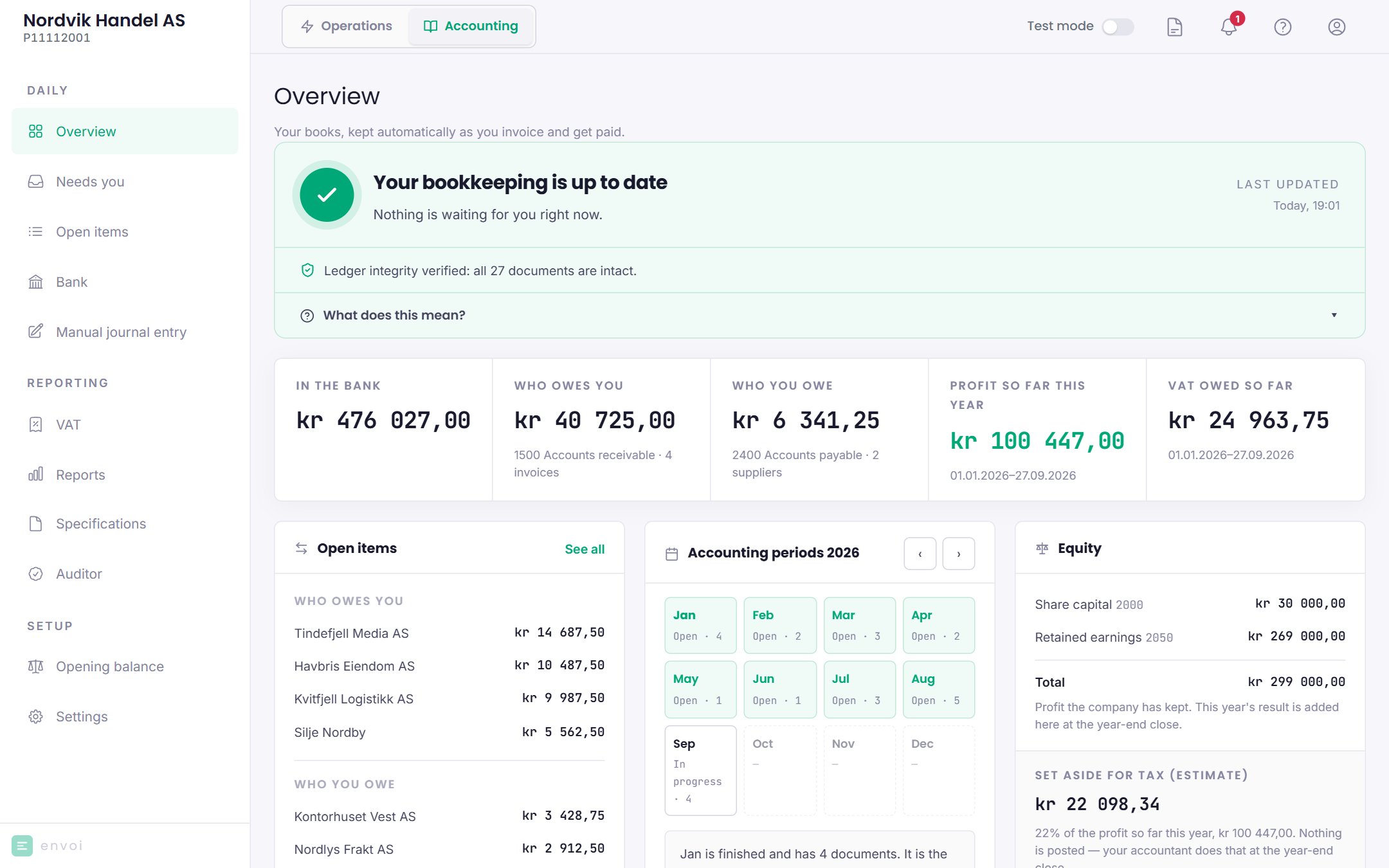
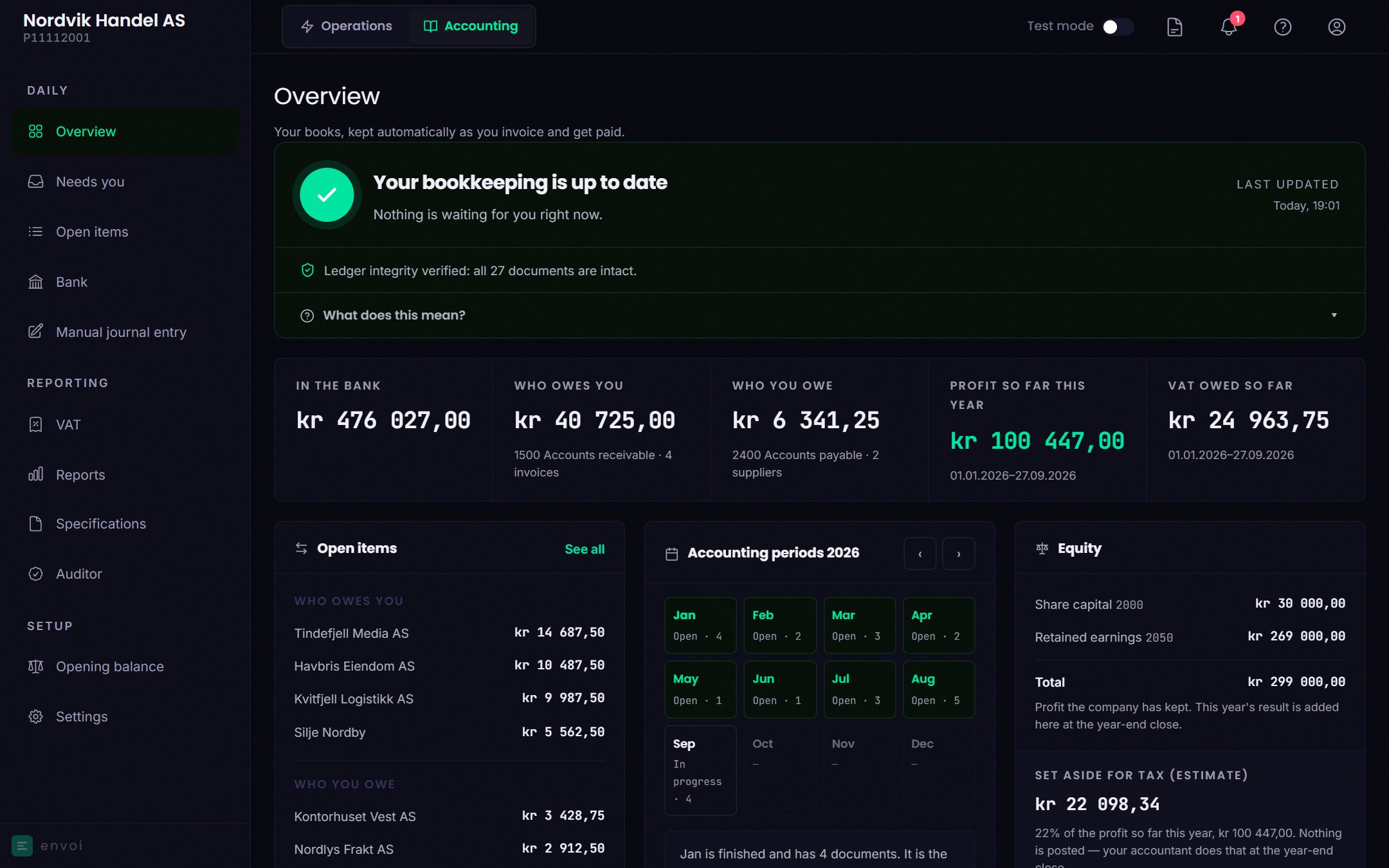
What Envoi does for you
- Posts invoices, credit notes, recurring invoices, dunning fees and interest.
- Posts supplier invoices when you confirm them, and payments when you record them.
- Keeps track of who owes you and who you owe.
- Shows VAT, profit and loss, and the balance sheet as you go.
- Creates the VAT return as a file you upload at Skatteetaten.
- Creates the SAF-T file your auditor and the Norwegian Tax Administration (Skatteetaten) ask for.
- Checks that nothing has been changed after it was posted.
What you do yourself
- Activate accounting, and post the opening balance at the same time. See Turn on accounting.
- Upload the bank statement and check that the bank agrees, under Bank.
- Deal with what ends up under Needs you.
- File the VAT return at Skatteetaten and pay. Envoi creates the file, but does not send it. See VAT.
- Close periods when a month is finished. See Closing periods.
The year-end closing is not done in Envoi today.