

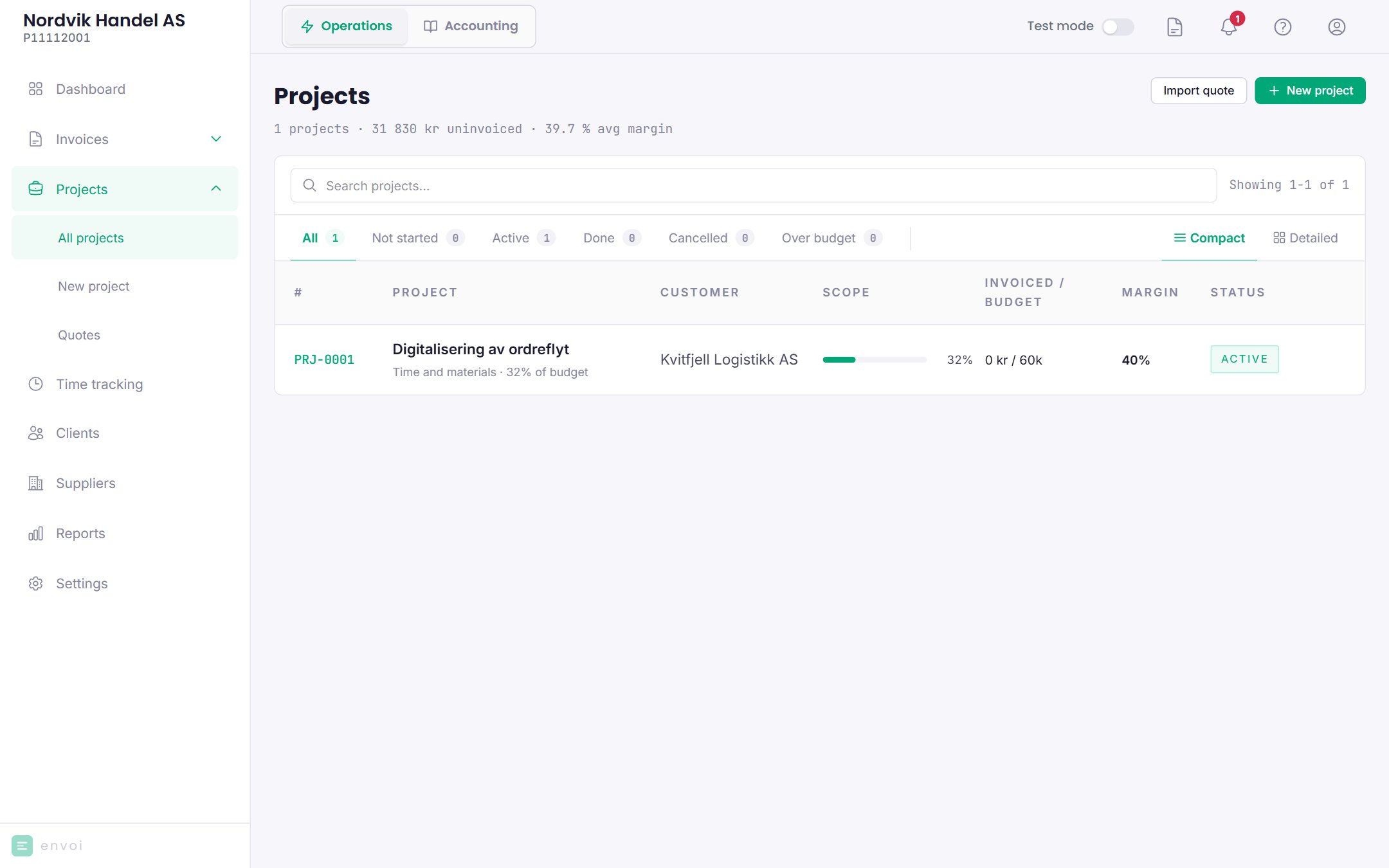
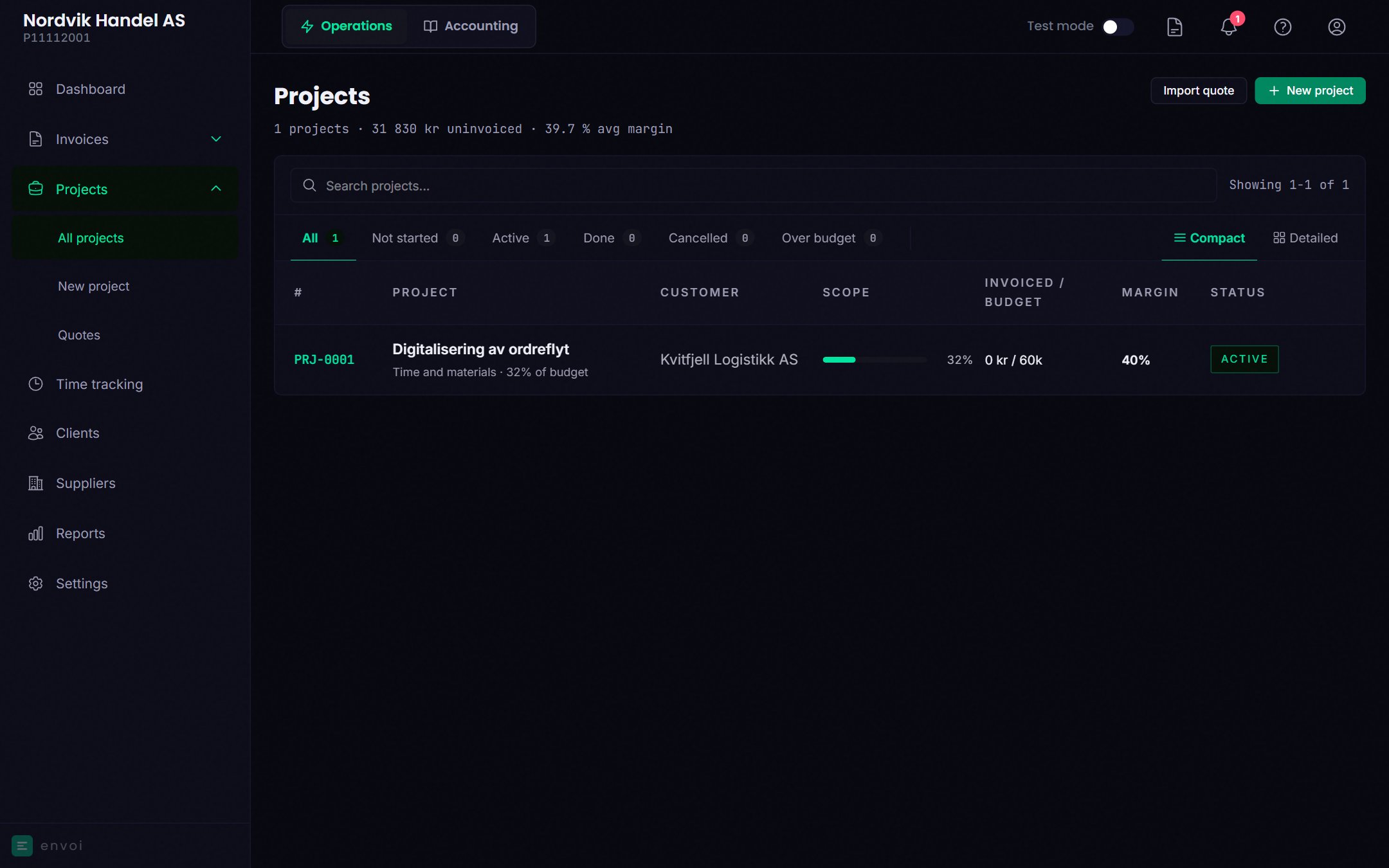
Project types
When you create a project, you choose a type. The type decides how the project is invoiced and which tabs it has. It cannot be changed afterwards.Create a project
1
Start
Choose New project, and choose a type.
2
Fill in
All projects need a name and a customer. What else you fill in depends on the type, for example hourly rate, roles, fixed price amount, milestones, budget or internal hourly cost.
3
Save
The project gets a number, for example PRJ-0004, and the status Not started.
Status
You change the status by clicking the status at the top of the project.
The project page
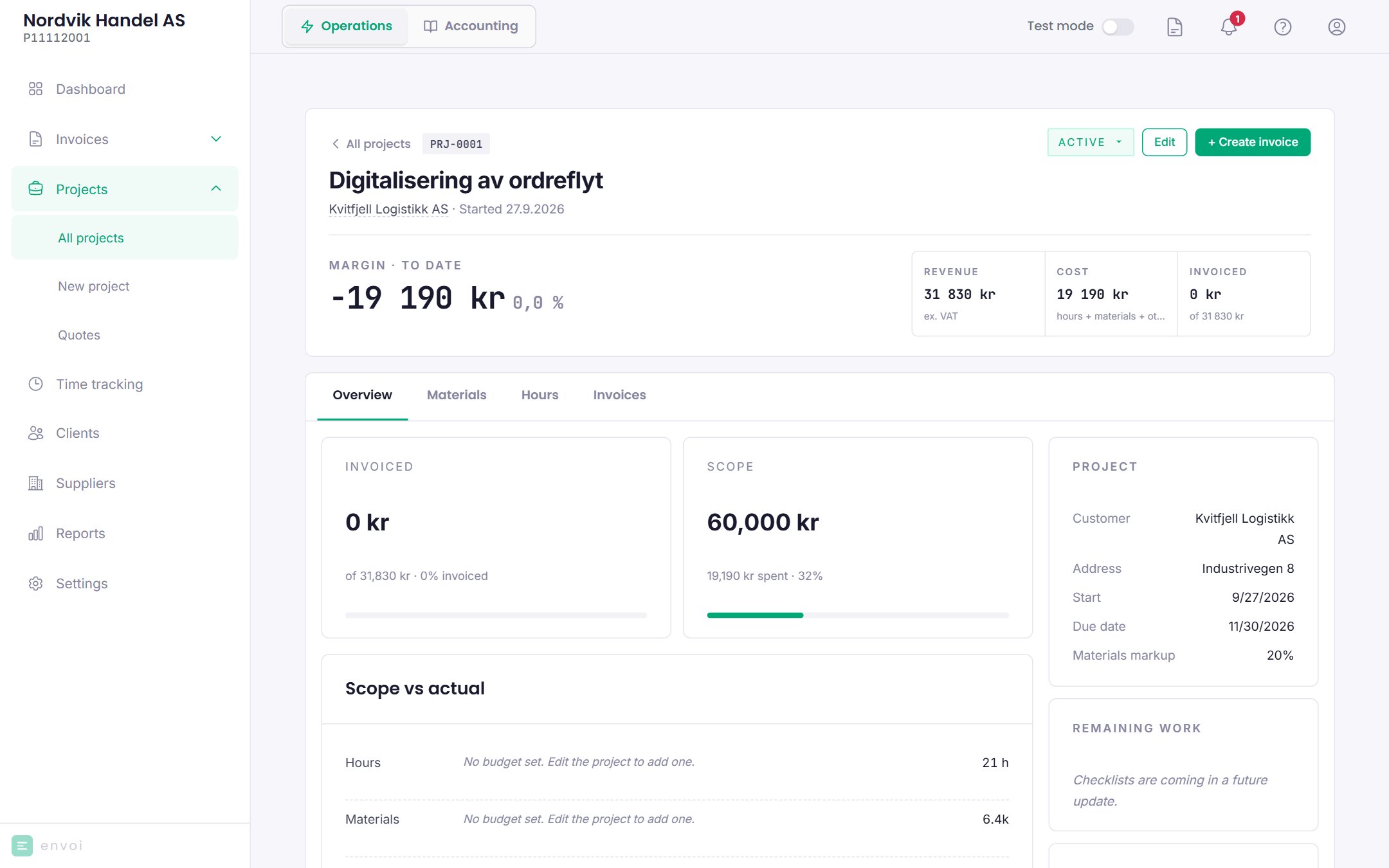
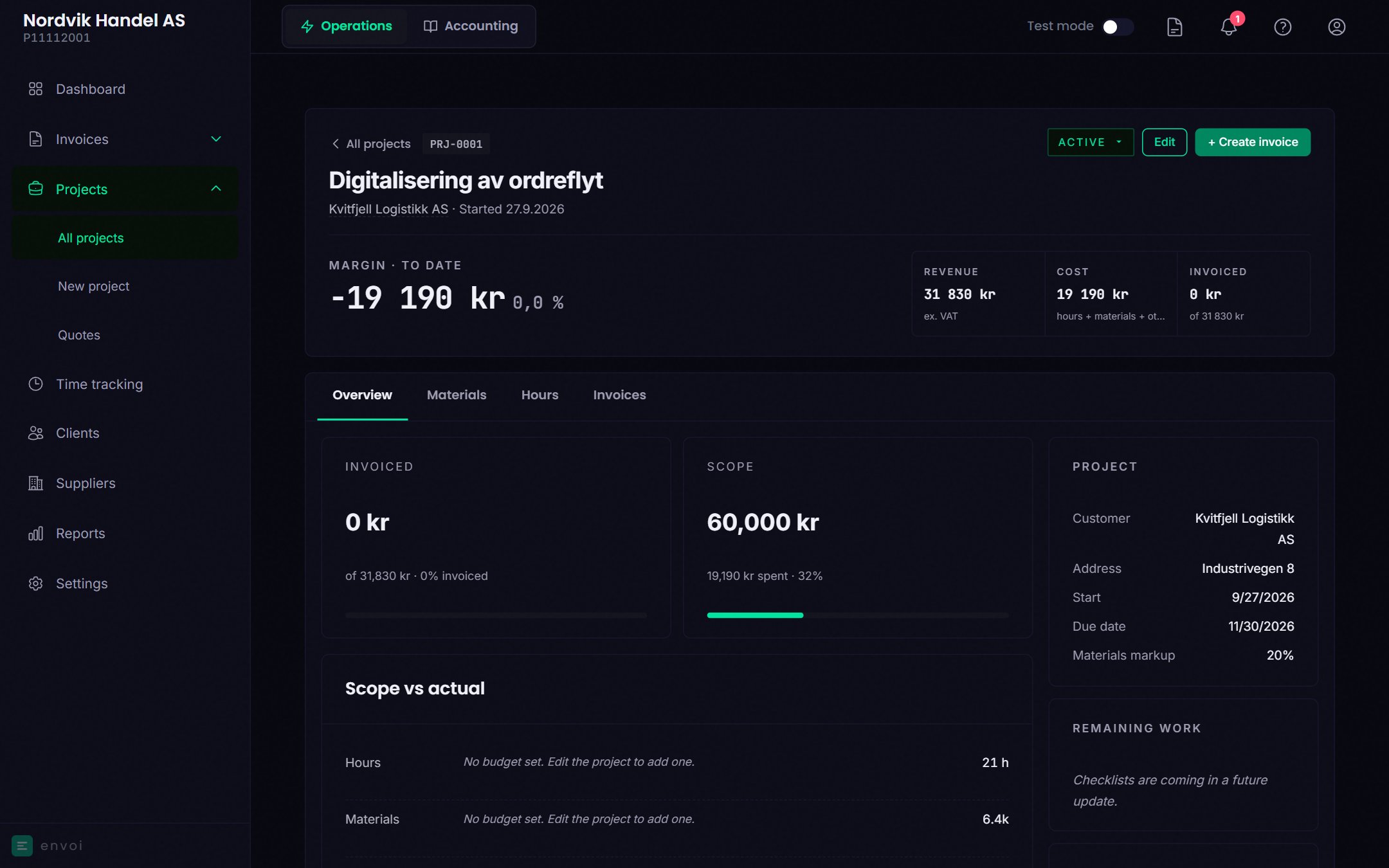
- Revenue: the fixed price, or approved hours at customer rate and materials at customer price.
- Cost: hours at internal hourly cost, materials at purchase price, and other costs.
- Invoiced: what has been invoiced so far, excluding VAT, minus credit notes.
- Actual margin: invoiced minus cost. Before the first invoice it says Nothing invoiced yet.
- Forecast margin: expected margin based on the forecast, on projects that have the Forecast tab.
Invoice from the project
Choose Create invoice. Envoi creates an invoice draft with:- Materials that have been used and not invoiced, at customer price.
- Hours that are approved, billable to the customer and not invoiced.
Who can do what
- Everyone on the team sees all projects, and can create new ones.
- Members can only change projects they created themselves.
- Only owners and administrators can change the forecast and add other costs.