

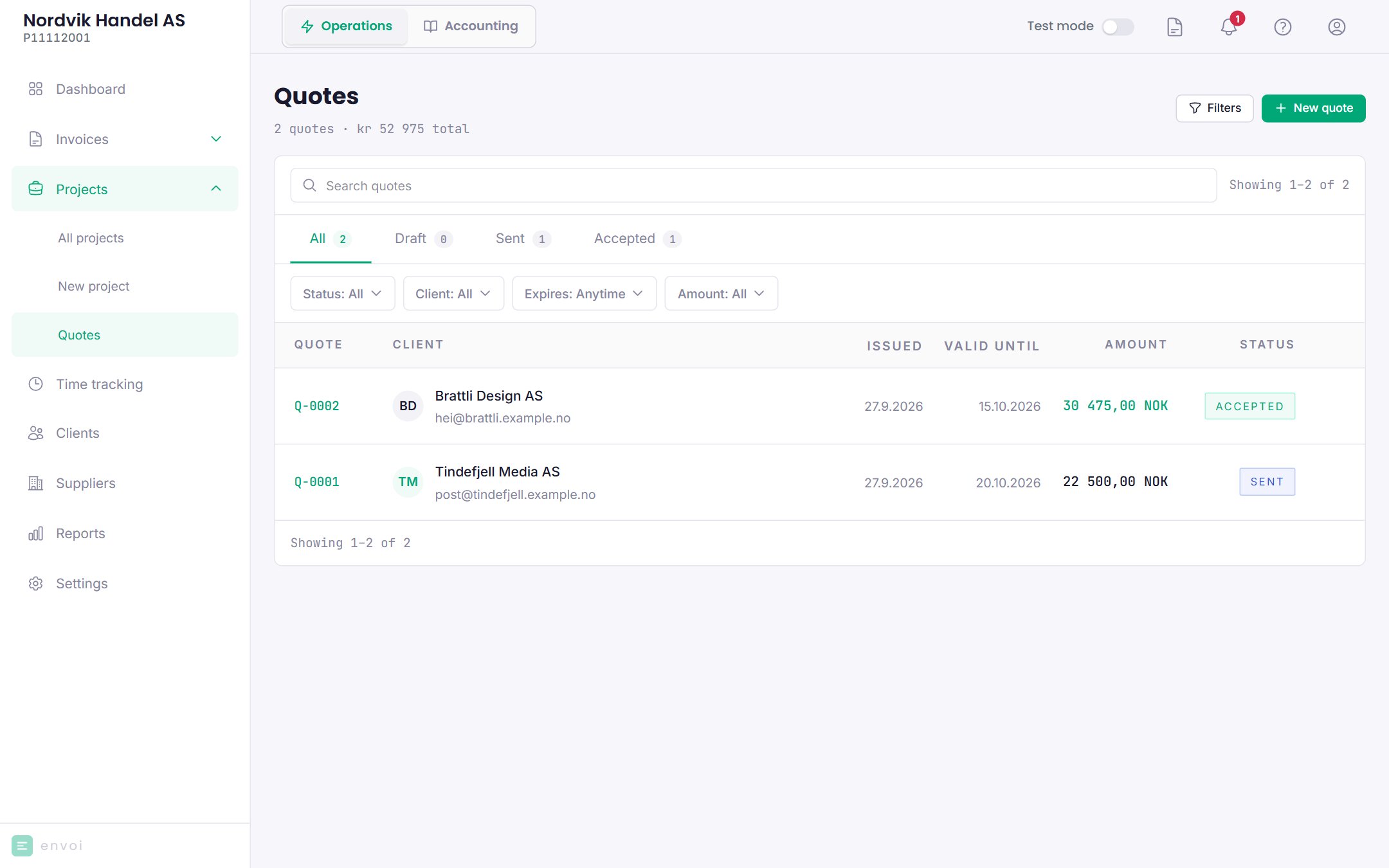
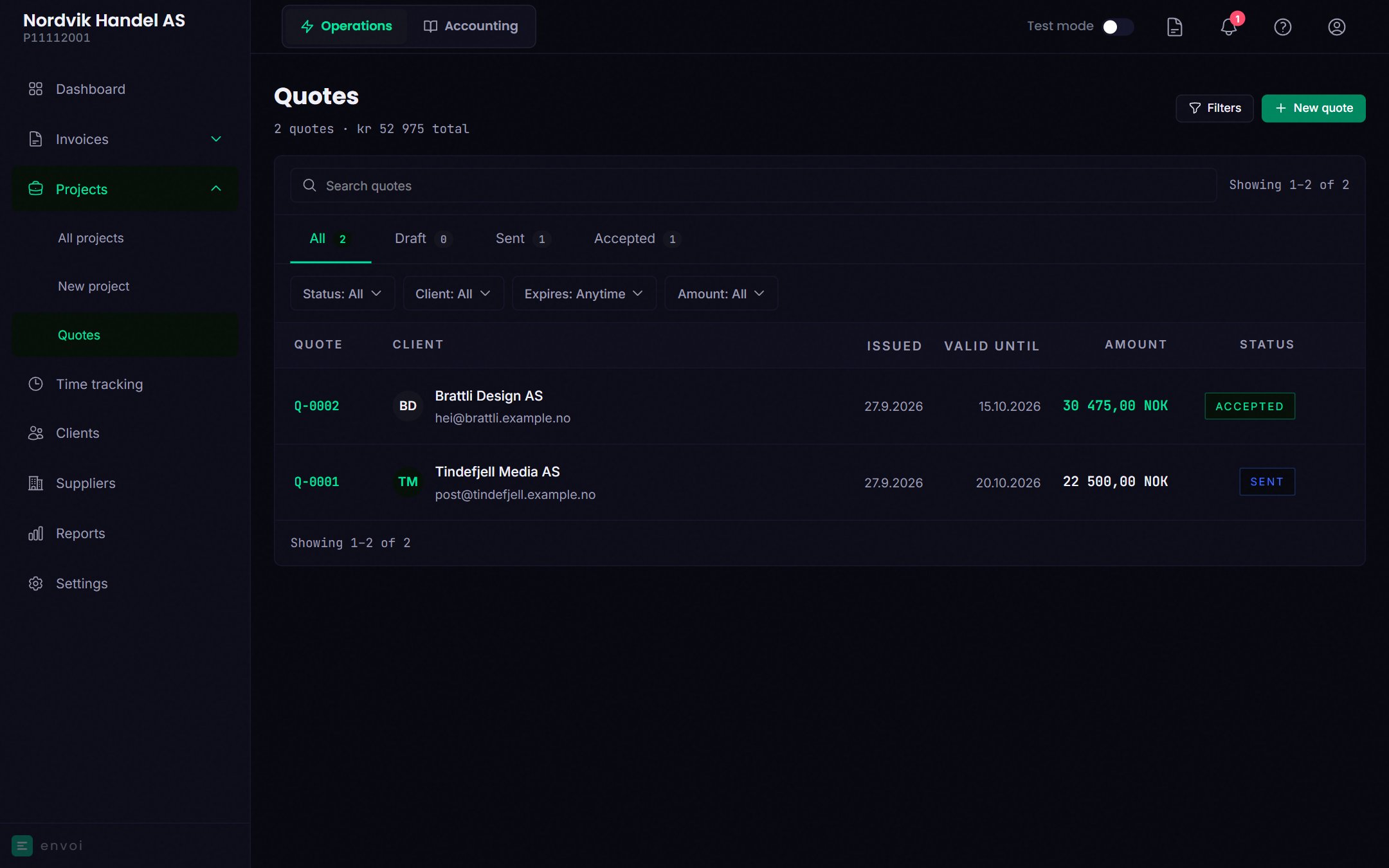
Create a quote
1
Start
Choose New quote.
2
Customer and lines
Choose a customer and add the lines, as on an invoice.
3
Quote details
- Valid until: how long the quote is valid. The default is 14 days.
- Reference: for example the customer’s order number.
- Personal message: shown in the email and on the customer’s page.
4
Save
Choose Create quote. The quote gets a number, for example Q-0003, and is saved as a draft.
5
Send
Open the quote and choose Send email. The customer must have an email address.
What the customer sees
The customer gets an email with the quote as a PDF and a link to a page of its own. There the customer can see the quote, download it, and choose Accept quote or Decline, with a reason if they like. The customer does not need to log in.When the customer answers
- If the customer accepts, the quote gets the status Accepted, and Envoi creates an invoice draft with the same customer and lines. You are notified, and you find the draft with View invoice on the quote.
- If the customer declines, the quote gets the status Declined, and you are notified with the reason.
Statuses
A quote that has not been answered by Valid until becomes Expired. You are notified, but the customer gets no reminder.
Edit and delete
- A quote can be edited as long as it is Draft or Sent. If you edit a sent quote, the customer sees the change on their page right away, but the PDF the customer got by email is the old one. Send the quote again if that matters.
- Only drafts can be deleted.