

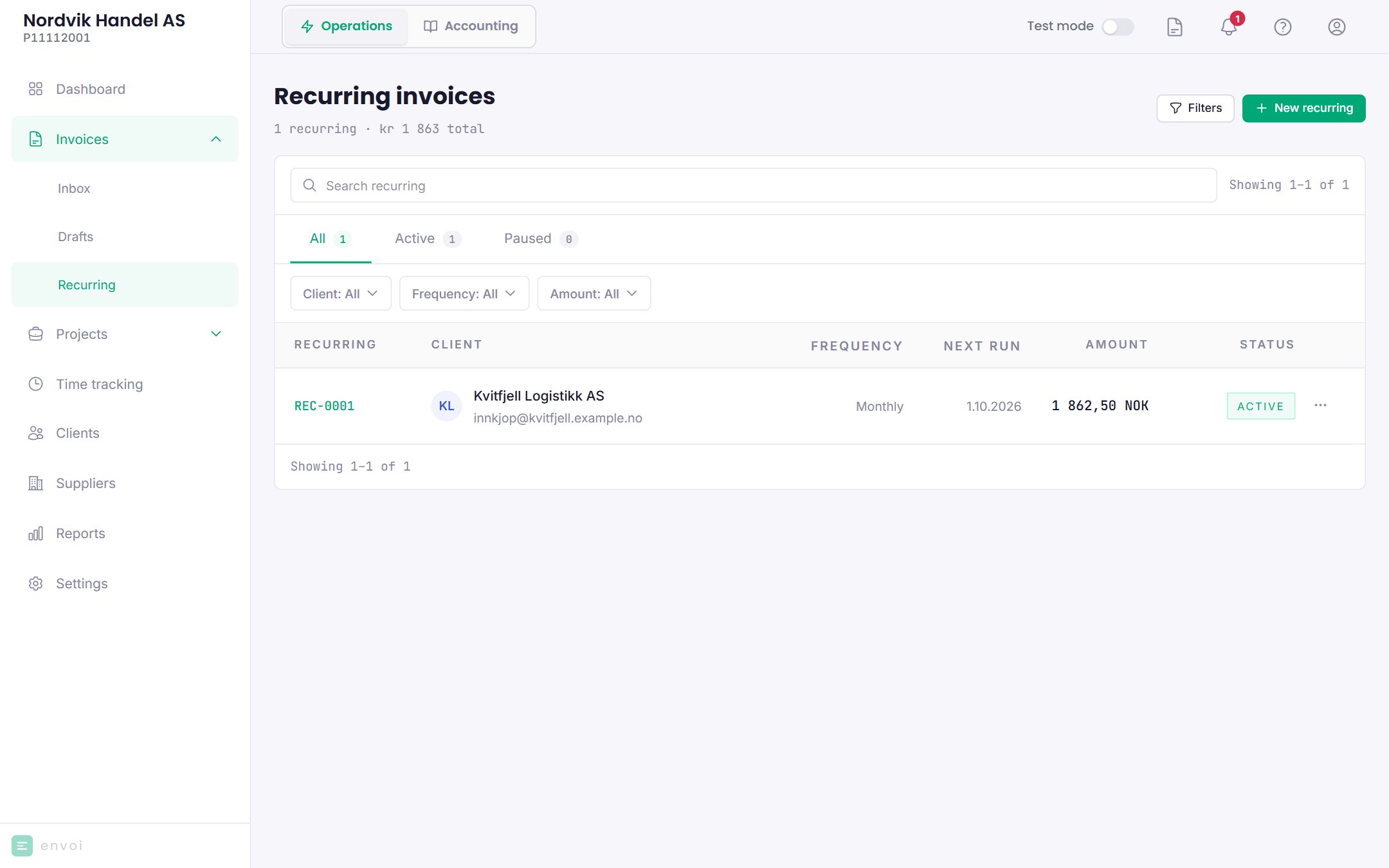
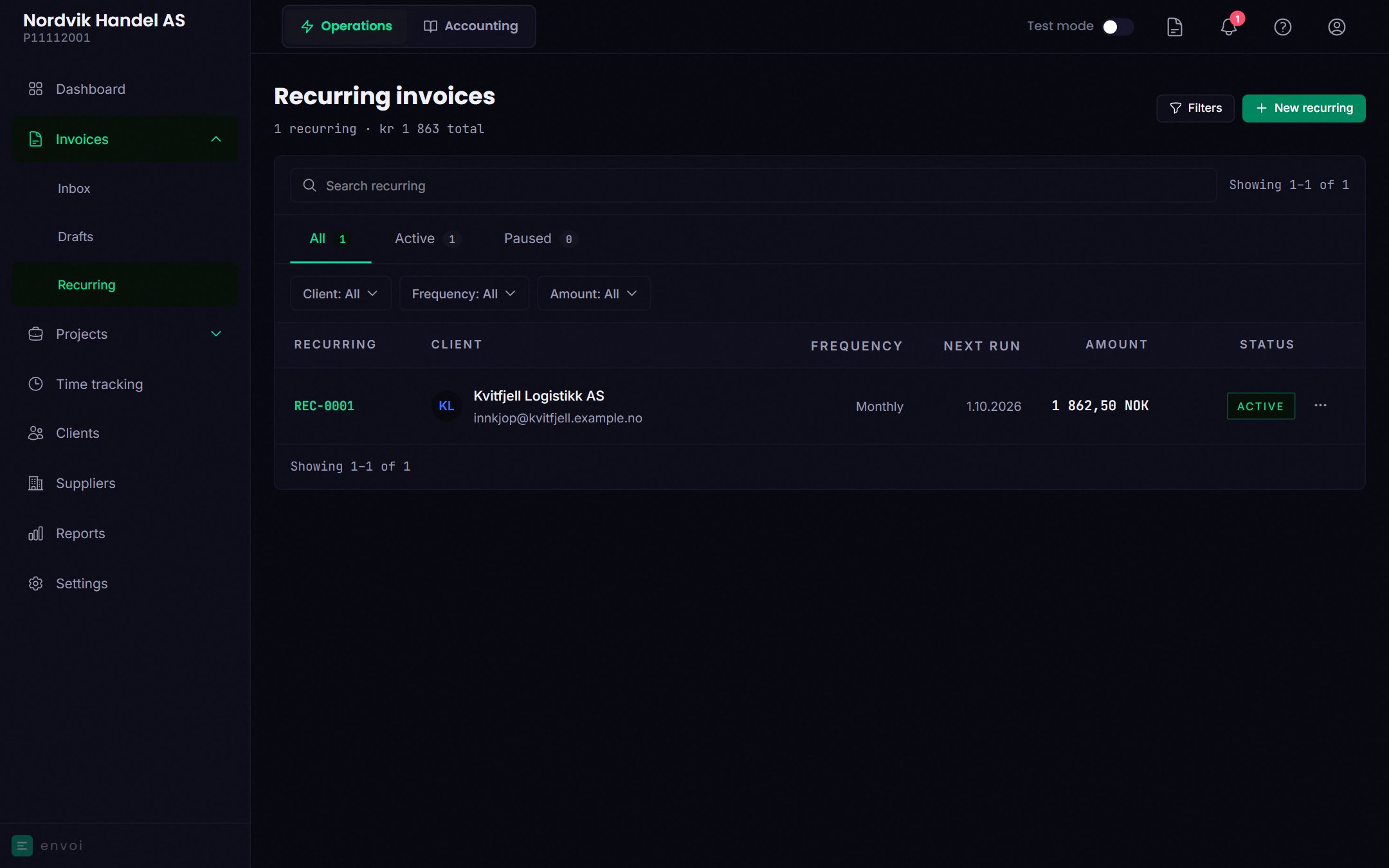
Create a recurring invoice
1
Start
Choose New recurring.
2
Customer and lines
Choose a customer and add the lines, as on a normal invoice.
3
Schedule
- Frequency: weekly, monthly, quarterly or yearly.
- First invoice date: cannot be in the past. This also applies when you change the date later.
- Days until due: between 1 and 90 days.
4
Create
Choose Create recurring invoice.
How the invoices are sent
On the date, Envoi creates a new invoice from the template, gives it an invoice number and KID, and sends it by email to the customer. The invoice date is the day it is created, and the due date is counted from it. If accounting is turned on, the invoice is posted automatically. There is no end date. A recurring invoice runs until you pause it or delete it.Pause, edit and delete
- Pause stops the sending. Resume continues it. If a date passed while it was paused, it is skipped, and the next invoice is sent on the next date in the schedule.
- Edit changes the customer, lines and schedule. The change applies to invoices created afterwards.
- Delete removes the template. Invoices that have already been sent stay.