

How to do it
1
Open the invoice
Choose Record payment under Actions.
2
Fill in the date and amount
- Payment date: the date the money came in. It cannot be in the future.
- Amount received: filled in with what remains. Change it if the customer has paid less.
3
Record
Choose Record payment.
Partial payment
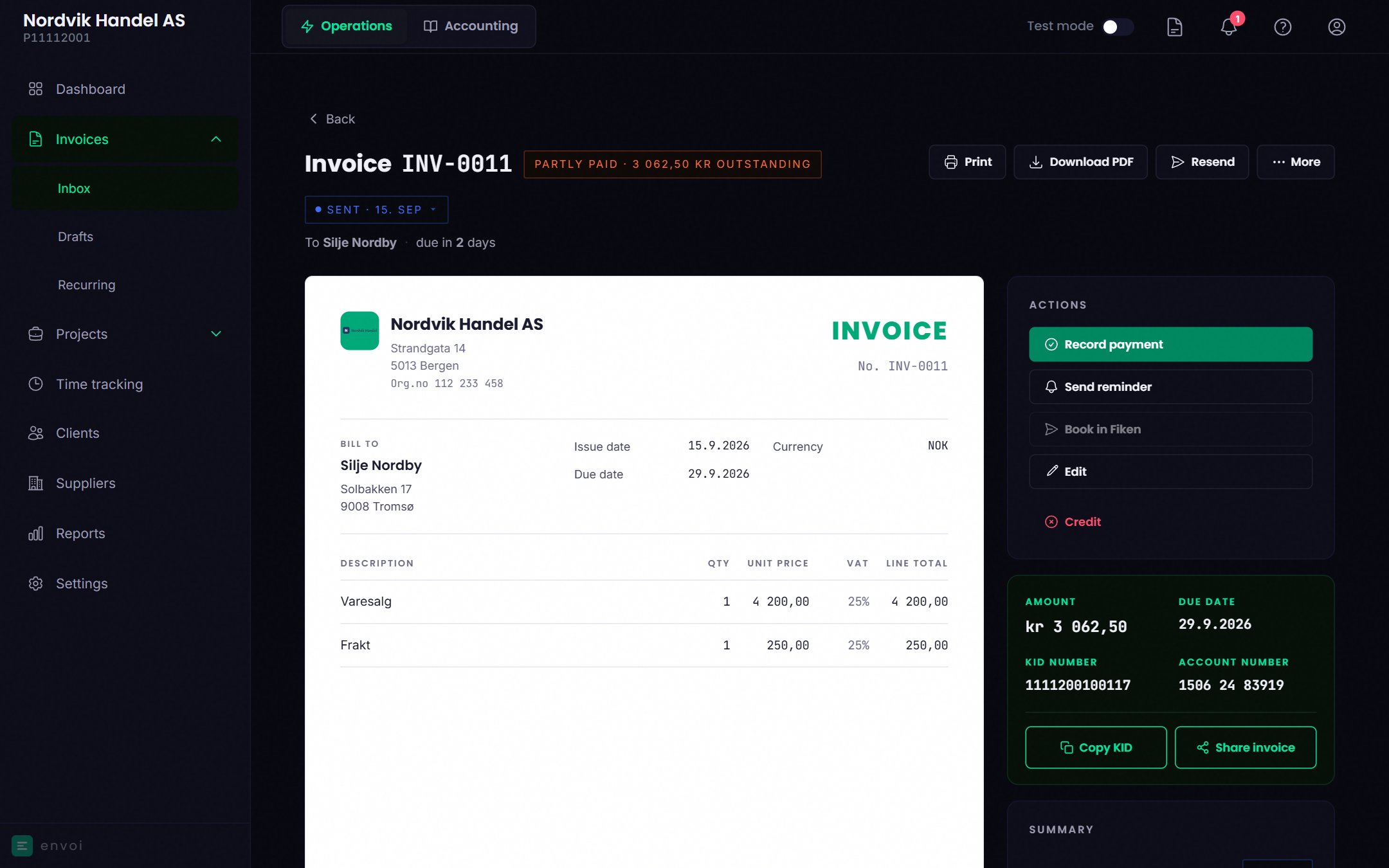
If the customer pays only part of the amount, the invoice is marked Partly paid, with the amount that remains. You see the payments in a separate list on the invoice. Record the next payment the same way. When everything is paid, the invoice is marked Paid.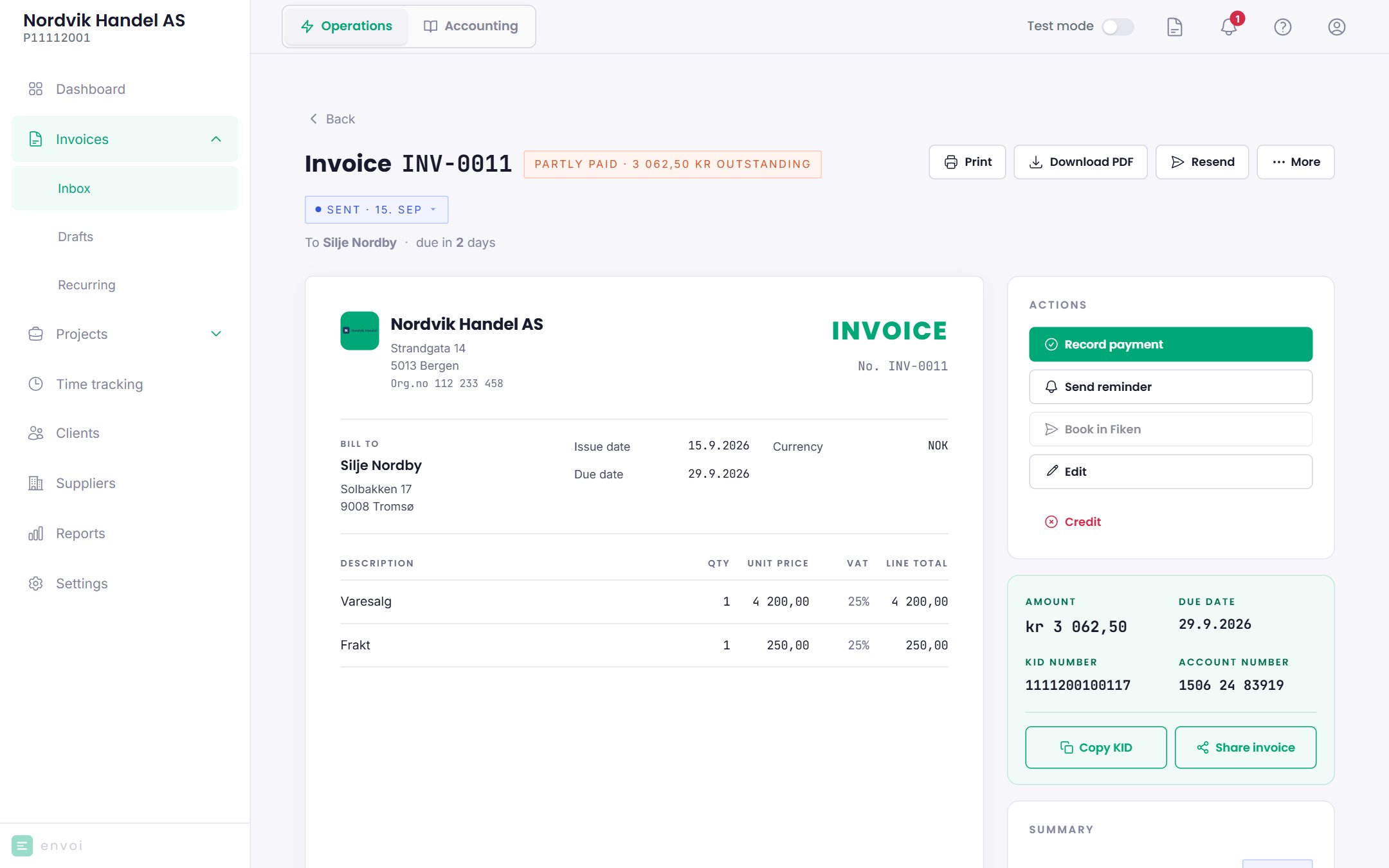
Rules
- You cannot record more than what remains.
- The amount can have at most two decimals.
- A payment can only be recorded on a sent invoice that is not already paid or credited.